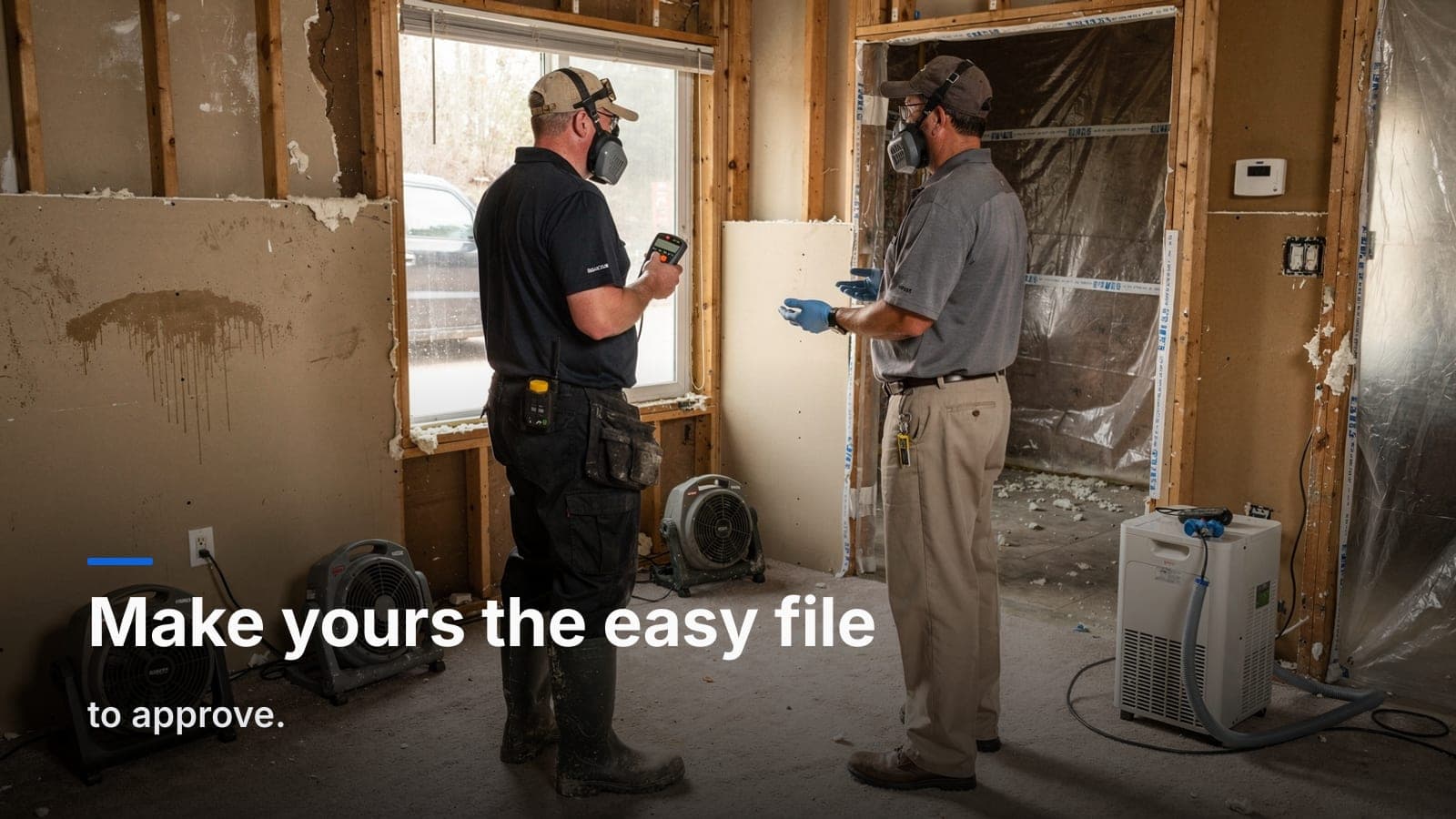
Best Restoration & Contents Software in 2026: An Honest Comparison
Quick answers
- What's the best restoration software in 2026? There's no single best option — the right fit depends on whether you bill insurance, how much contents work you do, and how many seats you need, which is why shops compare tools like Albiware, DASH, Encircle, CompanyCam, and Job Workflow PRO differently.
- How much does restoration management software cost? Pricing varies widely — enterprise all-in-one platforms can run four figures a month at scale, while more modular, lower-volume platforms can start in the low hundreds per month.
- Is CompanyCam enough to run a restoration job? No — CompanyCam is built for photo documentation across the trades, not for managing an insurance claim, contents pricing, or accounting sync.
- Does Encircle handle the whole restoration job, not just contents? No — per the comparison, Encircle is a documentation and contents-capture tool, and shops using it still run a separate platform for jobs, estimates, and accounting.
- When should a small shop stick with spreadsheets instead of buying software? A one- or two-truck operation doing a few jobs a month can often run fine on spreadsheets, an estimating tool, and a phone camera until the contents workload starts to outgrow that setup.
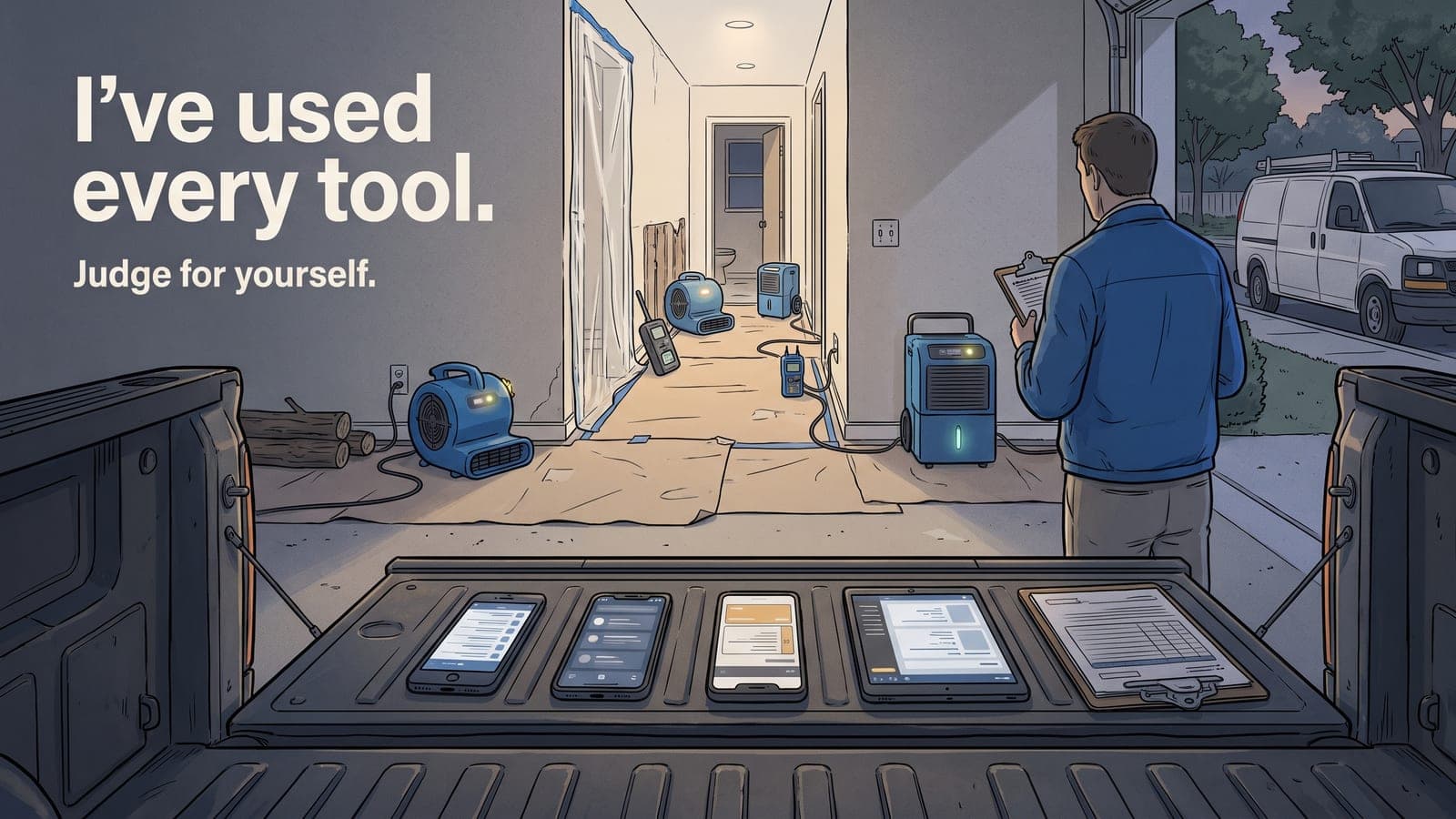
A few years ago I was running restoration jobs out of spreadsheets, a shared photo folder, and a group text, and re-typing every line into QuickBooks at the end of the night. The contents claims were the worst of it — hundreds of items, no structure, and a pricing day I dreaded. So I did what everyone does: I went and paid for the big platforms. I ran my shop on DASH, then switched to Albiware — and I left Albiware inside three months. Eventually I got tired enough to build the thing I actually wanted, which is now Job Workflow PRO. So yes, I have a horse in this race. But here's the part that matters: I've personally used every tool in this comparison — spreadsheets, DASH, Albiware, Encircle, and CompanyCam — on real jobs, not from a feature page. I've paid these bills and sat through these demos at around 40 employees, so the numbers and tradeoffs below aren't guesses. I'm going to be straight with you, because the fastest way to lose your trust is to pretend the other tools are bad. They're not. They're built for different shops — and a couple of them, in my experience, promised more in the demo than they delivered for mine.
This is an honest comparison of the software restoration and contents crews actually evaluate in 2026 — what each one is genuinely good at, who it's for, and where it'll cost you more than it should. The goal isn't to crown a winner. It's to help you match a tool to the way your shop runs.
First, be honest about what you actually need
Before you look at a single demo, answer four questions:
- Do you bill insurance? If you're tracking claim numbers, carriers, and adjusters, you need an insurance workflow, not just a job tracker.
- How much contents do you do? A shop doing regular pack-outs needs real room/box/item inventory and pricing. A shop that subs contents out doesn't.
- Where does the money live? If you're re-keying estimates and invoices into accounting by hand, that's hours you're paying for twice.
- How many seats, and do you want to pay per head? Some platforms have real per-user costs and annual minimums that punish a small crew.
Your answers matter more than any feature list. A tool that's perfect for a 40-person franchise can be a boat anchor for a 6-person shop, and vice versa.
The contenders in 2026
Here's the scannable version. Some of these figures reflect what I actually paid running a ~40-person shop. Everything here is my own experience and opinion — pricing is negotiated and both prices and features change constantly, so treat anything below as a snapshot of my experience at the time and confirm the current details with each vendor before you decide.
| Tool | Best for | Typical pricing | Contents + AI pricing | QuickBooks sync |
|---|---|---|---|---|
| Spreadsheets + Xactimate + a photo app | The smallest shops, or just starting out | Cheap up front, expensive in hours | All manual | No |
| Albiware (Albi) | Larger restoration firms wanting one big all-in-one | Enterprise — four-figure/mo, annual minimum | Add-on | Yes |
| DASH (Next Gear) | Shops already in the Next Gear ecosystem | Four-figure/mo at scale | Module | Varies |
| Encircle | Crews who want strong field documentation | $300+/mo, contents/docs only | Strong capture, manual pricing | No |
| CompanyCam | Photo documentation across the trades | Lower-cost, per-user | Photos only | No |
| Job Workflow PRO (ours) | Restoration/contents shops wanting modular tools + AI, no seat minimum | From $249/mo, 14-day trial | Built-in, metered AI pricing | Yes |
A "yes" in that table doesn't mean "great" — it means the box is checked. In any demo, make them do the task on a realistic job, not a polished sample.
Spreadsheets, Xactimate, and a photo app
Best for: the smallest shops, or anyone just getting started.
Don't let anyone shame you out of spreadsheets if you're tiny. For a one- or two-truck operation doing a few jobs a month, a clean spreadsheet, your estimating platform, and a phone camera will get you surprisingly far. The cost is mostly your time.
The trouble is that it doesn't scale, and the seams show first on contents. The photos live in one place, the inventory in another, the estimate in Xactimate, and the billing in QuickBooks, and nothing reconciles itself. The day you're reconstructing an inventory from a camera roll for a skeptical adjuster is the day you've outgrown this. If that day hasn't come, stay where you are.
Albiware (Albi)
Best for: larger restoration firms that want one big all-in-one and have the volume to justify it.
Albi is a serious, mature restoration platform with deep features across the job lifecycle, and plenty of bigger firms run their whole operation on it and are happy.
Here's my honest experience, and it's just mine: I switched my ~40-person shop to Albiware and was paying at least $1,700 a month. Within three months I left. In my experience, too much of what I saw in the sales process didn't hold up for the way my shop actually worked day to day. That's my experience, not a universal verdict — a different firm with different workflows may get full value from it. But it's exactly why the rest of this guide keeps telling you to make a vendor prove it on your real jobs before you sign, never on a polished sample. The bill shows up whether or not the platform delivers for you.
DASH (Next Gear)
Best for: shops already living in the Next Gear ecosystem.
DASH is an established name in restoration job management, and if you're already using other Next Gear products it slots in naturally. It's a capable platform — but it's not the budget option some people assume. I ran my shop on DASH before I moved to Albiware, and at around 40 people I was paying at least $1,400 a month.
Where you'll want to push in a demo is contents depth and how cleanly the money flows out to accounting — ask them to walk an item from inventory all the way to a synced invoice, and watch how many steps it takes.
Encircle
Best for: crews who want strong field documentation and fast contents capture.
Encircle is good at the thing it's built for — fast, clean field documentation and contents capture on a phone. It earned its reputation, and plenty of crews rely on it.
Here's the honest limitation, the way we use it as a current paying customer: for us it's a documentation tool, not the system that runs the whole job and the books. We pay over $300 a month for Encircle and use it for contents only — which means we still run a separate platform for the actual jobs, estimates, and accounting, and we price contents by hand. If documentation is the single thing you need, it's good at it. But in our setup we're paying for it on top of whatever runs the jobs, with the inventory in one system and the billing in another. That two-tool tax is exactly what I built JWFP's contents module to remove: inventory, AI naming and pricing, customer approvals, and billing all live on the same job, so for contents you can run the whole thing in one place instead of two. (Check Encircle's current feature set yourself — tools add capabilities all the time.)
CompanyCam
Best for: photo documentation across the trades.
CompanyCam does photo documentation well, across all kinds of contractors, not just restoration. Timestamped, organized job photos that everyone on the crew can see — that's the core, and it's solid.
But it's built for photo documentation, not for running the restoration job — it isn't meant to be your insurance-claim or contents-pricing system, and on its own it isn't going to push the job to your accounting. It's a great part of a setup, especially if photos are a weak spot for you, but it isn't trying to run the job or the contents claim by itself. (As always, check their current feature set — integrations and capabilities change.)
Job Workflow PRO (ours)
Best for: restoration and contents shops that want modular tools with the AI busywork handled, and no seat minimum.
I'll keep the bias in check and just tell you what it does and doesn't do.
What JWFP is built for:
- Modular by design. You turn on restoration, contents, or clean construction tracking, and leave off what you don't use. You're not paying for insurance fields you'll never touch, or contents features you don't need.
- Contents with AI doing the typing. Room/box/item inventory with photos, condition, and disposition, plus AI auto-naming, descriptions, and metered item pricing — so a day of contents valuation becomes a review pass, not a research project. (I wrote up that workflow in detail in AI item pricing for contents claims.)
- The insurance job, built in. Claim number, carrier, adjuster, moisture mapping, drying logs, and e-signed authorizations on the same job.
- Books that sync. Native QuickBooks Online sync for customers, estimates, invoices, and AR — no double entry.
- No seat minimum. Ten seats included, starts at $249/mo, with a 14-day trial. A small crew isn't punished for being small.
What JWFP is not for, honestly:
- Huge national franchises with TPA integrations and enterprise procurement needs — the incumbents have a head start there.
- Shops that want a standalone accounting system. JWFP syncs to QuickBooks; it doesn't replace it.
- Anyone wanting a years-old, battle-tested incumbent. We're newer than Albi and DASH. That cuts both ways — more modern and more flexible, but younger.
If that lane sounds like your shop, the pricing page lays out exactly what's included.
A quick way to choose
- Smallest shop, low volume: stay on spreadsheets until the contents pain forces your hand.
- Big firm, wants one enterprise all-in-one: look hard at Albi, and at DASH if you're in that ecosystem.
- Documentation is your only gap: Encircle (restoration-grade) or CompanyCam (photos) bolt onto what you have.
- You bill insurance, do real contents, and don't want to pay per head or re-key into QuickBooks: that's exactly the gap JWFP was built for — start a free trial and run a real job through it.
Don't overbuy
The most expensive mistake in this category isn't picking the "wrong" tool. It's buying a city bus to drive to the grocery store — paying enterprise money and eating enterprise complexity for a shop that needed something lean and modular. Match the tool to your actual volume and workflow, turn on only what you'll use, and make every vendor prove it on your hardest real job before you sign.
Run your restoration and contents jobs from one platform
If you do insurance restoration and contents and you're tired of stitching together a documentation app, a spreadsheet, an estimating tool, and your accounting by hand, that's the exact problem I built Job Workflow PRO to solve. Turn on what you need, leave the rest off, and let the AI handle the contents busywork.
Frequently asked questions
What questions should you ask before evaluating restoration software?
Whether you bill insurance, how much contents work you do, where the money (estimates and invoices) actually lives, and whether the pricing model charges per seat.
What's the risk of buying an enterprise restoration platform for a small shop?
Paying for enterprise cost and complexity your volume doesn't need — the comparison likens it to buying a city bus to drive to the grocery store.
How should a shop evaluate a restoration software demo?
Make the vendor perform the task — like walking an item from inventory all the way to a synced invoice — on a realistic job, not a polished sample.
What's seat-based pricing, and why does it matter for a small restoration crew?
It's pricing that charges per user per month, which can push a shop toward giving field techs no access at all; some platforms instead bundle a set number of seats to avoid that tradeoff.
Does Job Workflow PRO charge per seat?
No — per the comparison, its plans start at $249/mo with ten seats included, so a small crew isn't charged extra to put the mobile app in techs' hands.
Start a free 14-day trial and run your next job through it — no credit card to look around — or email us at sales@jobworkflowpro.com and we'll set it up with you. Bring your hardest contents claim. That's the one worth testing.