Pack-Back Day: A Move-Back Checklist That Closes the Job Clean
Quick answers
- What is a contents pack-back? A pack-back is the move-back day when you return a customer's cleaned and stored belongings to the repaired home and reload them room by room.
- How do you run a move-back day? Confirm the structure is ready, stage boxes by room against your original inventory, do a condition check, then walk the customer through and get sign-off.
- How do you check condition on pack-back? Compare each box and high-value item against the photos and notes you captured at pack-out, and flag anything missing or damaged-in-storage before the customer does.
- How do you close a contents file? Once the walkthrough is signed, reconcile storage charges, file the signed return acknowledgment, and invoice the final line items through QuickBooks.
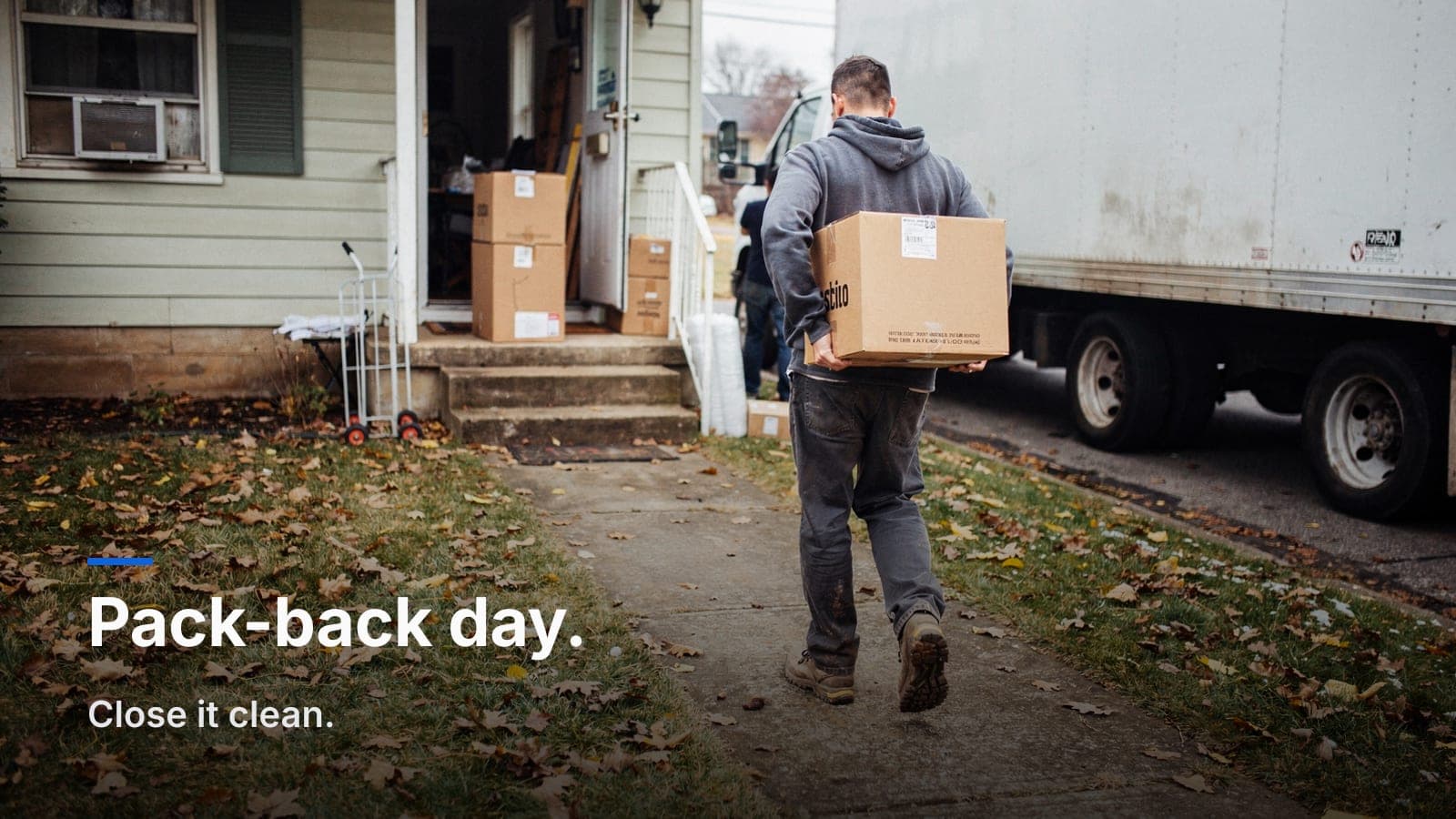
Pack-out gets all the attention. Crews drill the room-by-room inventory, the box labels, the photos. Then the structure dries, repairs finish, and three months later somebody has to put it all back — and that's where clean jobs turn into disputes. Pack-back day is the last thing the customer sees, and it's the moment they decide whether you were careful with their life or not.
The good news: if your pack-out was tight, the pack-back is mostly logistics. If your pack-out was sloppy, move-back day is when it catches up with you. Here's the checklist I run from the pack-out to the pack-back so the file closes clean and nobody's chasing a missing lamp in February.
Before you schedule the move-back
Don't put boxes on the truck until the house is actually ready. "Actually ready" means more than the GC says they're done.
- Confirm the structure is complete and clean. Floors in, paint cured, trim on, final clean done. You're not loading a sofa onto a floor the flooring crew hasn't sealed.
- Confirm utilities and climate. HVAC running, power on, no lingering drywall dust settling onto clean contents the day after you place them.
- Get a firm date from the customer. Pack-back is a two-party appointment. The homeowner needs to be there for the walkthrough and sign-off — this is not a drop-and-go.
- Pull your inventory and storage records. You want the original room-by-box-to-item inventory, every pack-out photo, and the running storage log in hand before you dispatch the crew.
If your inventory lives in a proper room → box → item hierarchy, this step takes five minutes. If it lives on a clipboard and a camera roll, give yourself a day.
Match the crew and the truck to the load
Pull the box count and cube from your inventory, not from memory. A pack-out that filled a 26-footer doesn't come back on a cargo van. If you ran a barcode or box-labeling system on the way out, you already know exactly how many cartons are in your facility under that job number — scan them out as they load.
Stage by room, not by truck order
The fastest pack-backs stage the home the way you inventoried it: by room. Your labels did the work. Every box should already read which room it came from, so unloading becomes a sorting job, not a guessing game.
- Spot a box or dolly location for each room as you enter.
- Unload heavy furniture and large items first, then boxes by room.
- Don't unpack unless the customer asked for a full set-back. Most returns are box-in-room; set-up service is a separate line item.
- Keep the labels on until the box is in its room and the customer has eyes on it.
This is also when a clean chain of custody pays off. Every box leaving your facility gets checked out against the job, so the count that left the warehouse is the count that hits the driveway — and you can prove it.
The condition check against your original inventory
This is the step that separates a professional contents operation from a moving company. You are not just returning boxes. You are confirming that what you took out came back in the condition you documented.
Work from your pack-out photos and condition notes:
- Count against the manifest. Box total out should equal box total back. Any discrepancy gets resolved now, on site, with the record open.
- Spot-check high-value and fragile items. Electronics, art, antiques, anything you flagged as pre-existing damage at pack-out. Pull up the pack-out photo and compare.
- Note anything damaged in storage. It happens. A carton gets crushed, a finish checks from humidity. Document it honestly with a photo before the customer finds it, and you control the conversation instead of defending against it.
The reason you photographed carefully at pack-out is this exact moment. If you're fuzzy on why that matters, how to photograph contents so the carrier doesn't push back covers the standard — and that same standard is what protects you on the return.
Pre-existing vs. damaged-in-storage
Your pack-out condition notes are the referee. A chip you photographed in the dining room on day one is pre-existing and documented. A chip that isn't in any pack-out photo is on you — unless you caught it in storage and already logged it. There's no gray area when the record is clean, which is the whole point of doing the documentation right the first time.
The customer walkthrough and sign-off
Walk the home with the customer, room by room. Confirm the box count per room, confirm the high-value items are present and accounted for, and address anything flagged before you ask for a signature.
- Walk each room; confirm boxes are in the right place.
- Review any damaged-in-storage items you logged, and explain how you'll handle them.
- Get an e-signed return acknowledgment on the spot. Same tool you used for the work authorization on day one handles the return sign-off — it's part of the same job record.
A signed acknowledgment that the contents were returned, and in what condition, is your close-out document. It ends the "where's my grandmother's clock" phone call before it happens, because the record shows the clock went back and the customer signed for it.
Handling missing or damaged-in-storage claims
If something's genuinely missing or got damaged on your watch, handle it like a pro, not a lawyer. Your inventory and storage records tell you fast whether an item ever came into your custody. If it did and it's gone, that's a claim you own — settle it against the item's documented value. If you built a defensible contents valuation at pack-out, you already know what the item was worth and whether it was valued at ACV or RCV.
The failures I see here are almost always documentation failures, not honesty failures. The tech didn't log the crushed carton, nobody photographed the item on the way in, so there's no baseline and every dispute becomes a stalemate. Tight records turn a potential blowup into a two-minute, good-faith resolution.
Closing the file clean
Once the walkthrough's signed, the job isn't done until the paperwork is.
- Reconcile storage charges. Pull the actual in-to-out storage duration from your records and bill the correct number of months — not a guess.
- Finalize the invoice. Pack-back labor, storage, any set-back service, and reconcile it against the estimate and any approved supplements. If you're syncing to QuickBooks without retyping the job, the final invoice builds from the line items you already tracked.
- File the signed return acknowledgment in the job record alongside the pack-out docs. One job, one record, start to finish.
- Mark the job closed and let your profitability report tell you whether this pack-out-to-pack-back actually made money.
That last step matters. Contents jobs with long storage tails can quietly bleed margin, and you won't know until you look at the full P&L from the loss to the return. See where the real money went on the whole contents workflow at our contents page.
Frequently asked questions
How long after pack-out does pack-back usually happen?
It tracks the structural repair timeline, so anywhere from a few weeks to several months depending on the loss. The longer the gap, the more your storage billing and chain-of-custody records matter at close-out.
Who pays for storage between pack-out and pack-back?
On an insurance job it's typically a covered line item billed to the claim, but confirm the limit with the adjuster early. Reconcile actual storage months at close-out so you're billing real duration, not an estimate.
Do we unpack and set everything back up?
Standard return is box-in-room. Full set-back — unpacking, placing items, hanging art — is a separate service and a separate line item the customer should approve before move-back day.
What if the customer isn't home on move-back day?
Reschedule, or get written authorization and a plan for the walkthrough. You never want to return contents with no one to sign the acknowledgment; that signature is your close-out protection.
What's the single most common pack-back problem?
A box count that doesn't match, almost always because the pack-out inventory wasn't tight. Fix it upstream and move-back day becomes logistics instead of an argument.
If move-back day is where your clean jobs get messy, the fix is usually upstream in how the inventory and storage were tracked. Job Workflow PRO keeps the whole contents workflow — pack-out, storage, and pack-back — on one job record. Start a free trial or email sales@jobworkflowpro.com and we'll walk you through it.