How to Run a Contents Pack-Out Inventory That Survives an Audit

Quick answers
- What makes a contents inventory defensible in an insurance audit? Every item having a photo, a condition note, and a disposition tied to a specific room and box, so a carrier has nothing to fill in with a lowball assumption.
- Why do carriers push back on contents claims more than structural claims? Structure is measurable — square footage, drying logs, moisture readings — while contents is judgment-heavy, with more room for a carrier to dispute condition, disposition, or count.
- What's the difference between condition and disposition in a contents claim? Condition is the documented state of the item at pack-out; disposition is the decision made from that condition — clean and return, store, or non-salvageable.
- Should pre-existing damage be documented at pack-out? Yes — photographing and noting pre-existing damage protects the crew from being blamed for it later and builds credibility with the carrier.
- Does the inventory process end when the truck leaves with the contents? No — the pack-back, when items are returned, is part of the same audit trail and should be photographed with a final sign-off, just like the original pack-out.
Every contents crew has had the same conversation with an adjuster. You did the pack-out, you cleaned and stored the belongings, you billed the line items, and then someone on the carrier side asks: "Can you show me how you arrived at this number?" If your answer is a stack of phone photos with no structure behind them, you're about to spend three weeks losing an argument you should have won at the truck.
A defensible contents inventory isn't about having more documentation. It's about having the right documentation, captured in the same order every single time, so that anyone — your own office, the homeowner, or a skeptical desk adjuster — can trace any line item back to a real object in a real room. That's the whole game. Below is the process I'd run on every pack-out, and the reasoning behind each step so your crew understands why it matters, not just what to tap.
Why carriers push back on contents claims
Contents is the soft underbelly of a restoration file. Structure is measurable — square footage, drying logs, moisture readings. Contents is judgment-heavy. How many boxes? What condition was that sofa in before the loss? Was the item cleanable or a total loss, and who decided? Every one of those is a place where a carrier can shave dollars or kick the file back for "insufficient documentation."
The crews that get paid fast and in full aren't the ones who argue best. They're the ones whose paper is so clean there's nothing to argue about. When every item has a photo, a condition note, and a disposition tied to a specific room and box, the adjuster has no leverage to discount. They can disagree with a price, but they can't pretend they don't know what they're looking at.
So the goal of your inventory process is simple: leave no gaps for someone to fill in with a lowball assumption.
Set the structure before you touch a single box
The single biggest mistake I see is crews who start bagging and boxing and figure they'll "sort the inventory out later." Later never happens the way you want it to. The structure has to exist before the work starts.
Work room by room, and name rooms the way the house is built
Your inventory should mirror the floor plan, not your packing order. Master bedroom, kitchen, hall closet, garage. When an adjuster reads your inventory, they should be able to walk the house in their head. This also protects you against the most common dispute — "where did this item come from?" — because the answer is already baked in.
Don't let a tech invent room names on the fly. "Bedroom 2" on one tech's list and "kid's room" on another's turns into a reconciliation nightmare back at the office. Pick a naming convention and hold the crew to it.
Number your boxes, and make the number physical
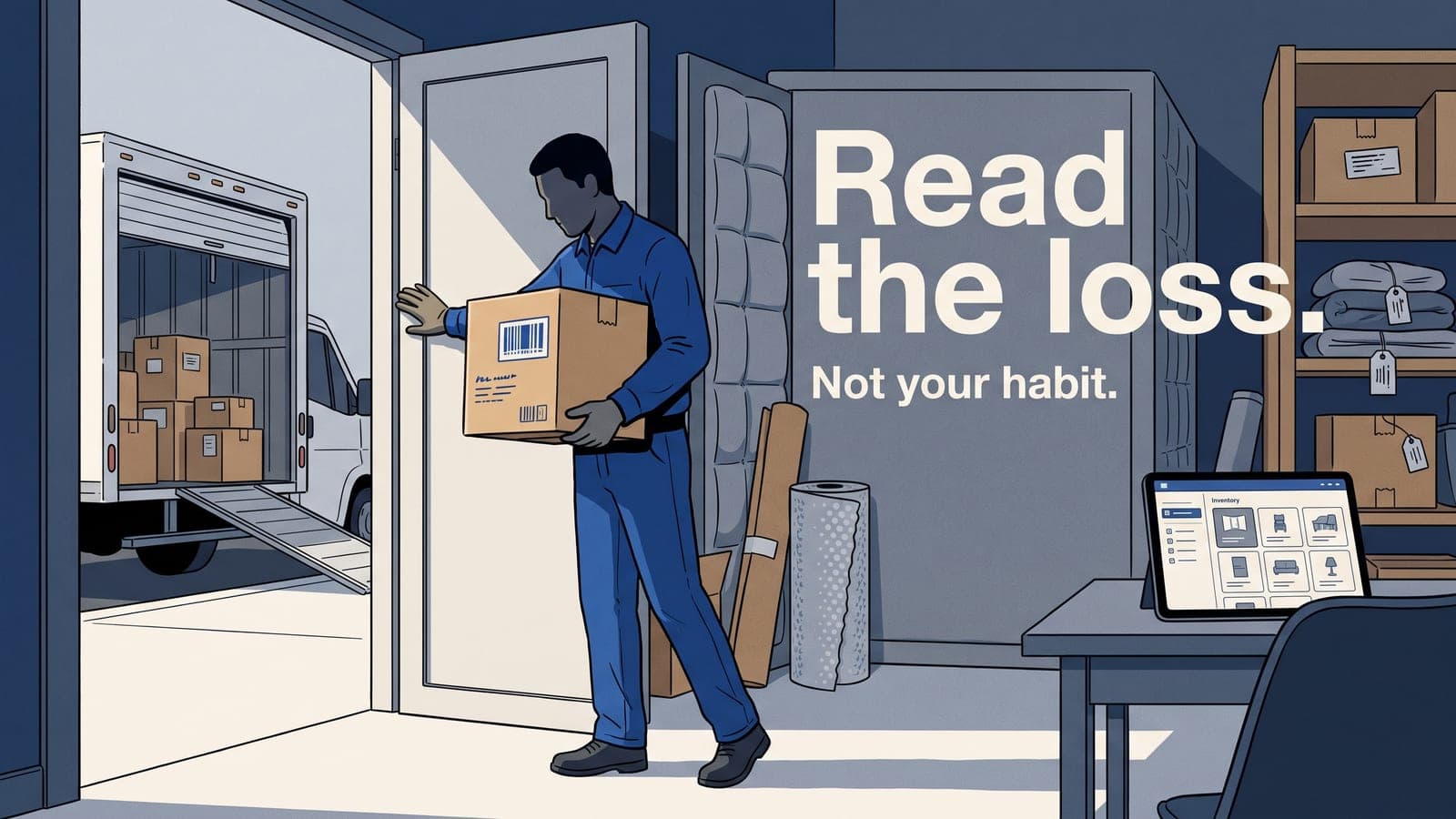
Every box gets a number, that number goes on the box with a label, and that same number lives in the inventory. This is what lets you survive a pack-back six weeks later. When the box comes off the truck, you know exactly which room it returns to and exactly what's inside without opening it. It's also your audit trail: box 14 contained items 88 through 103, photographed, condition-noted, here they are.
A pack-out without box-level tracking is a pile of stuff with a price tag. With it, you've got a chain of custody.
Photograph like you're going to be cross-examined
Assume every photo will be looked at by someone trying to pay you less. That mindset fixes most bad photography habits on its own.
- Wide shot of the room first. Establishes the scene and the volume of contents before you start removing anything. This is your defense against "that doesn't look like a full pack-out."
- Photo of the box label / number so the inventory and the physical box are linked visually.
- Item photos that actually show condition. Get close enough to see the water line on the dresser, the soot on the lampshade, the mold on the leather. Vague photos are worthless in a dispute. If damage is the reason something is a total loss, the photo has to prove it.
- Pre-existing damage, on purpose. That scratch on the table was there before you arrived? Photograph it and note it now. Documenting pre-loss condition protects you from being blamed for it later, and it builds credibility with the carrier — you're clearly not inflating.
The discipline that matters is consistency. Same shots, same order, every job. When photos live attached to the specific item and box inside your job file instead of scattered in a camera roll, you can actually find them when the file gets questioned. That's the part that breaks down on paper-and-phone systems.
Capture condition and disposition as decisions, not afterthoughts
Condition and disposition are where the money is, and where audits are won or lost.
Condition is the state of the item at pack-out. Be honest and be specific. "Good," "soiled," "smoke-damaged," "saturated," "mold present." This isn't busywork — it's the justification for everything downstream. The cleaning method, the labor, the restore-versus-replace call all flow from condition.
Disposition is the decision: clean and return, store, or non-salvageable (total loss). Every disposition needs a reason that ties back to the documented condition. An item marked non-salvageable with a clear photo of the damage and a condition note is defensible. The same item marked non-salvageable with no photo and no note is a discount waiting to happen, or worse, a hint that you're padding the file.
Get the customer's sign-off on dispositions early, especially on total losses. A homeowner who agreed in writing that the saturated mattress was a loss is not going to call the carrier later and say you threw out a good mattress. That signed approval is half your audit defense.
Pricing the inventory without sandbagging your margin
Pricing thousands of belongings is the slowest part of contents, and the part where crews either burn hours or leave money on the table by under-describing items. A vague item name prices low. "Lamp" is worth less on paper than "ceramic table lamp with linen shade." The description is the price justification.
This is exactly the kind of repetitive, judgment-light work worth getting help with. Auto-naming, generating clean item descriptions, and consistent item pricing keep the inventory both fast and defensible — the descriptions are specific enough to survive review, and they're consistent across every tech and every job. That consistency is what an auditor is actually looking for. Our contents pack-out module is built around exactly this workflow, including AI that handles the item-level busywork so your crew can keep moving instead of typing.
The pack-back is part of the audit too
People forget the file isn't closed when the truck pulls away. The return trip is when your box numbering pays off, and it's also a documentation moment. Photograph items going back, confirm dispositions were honored, and get a final customer sign-off on the return. A clean pack-back closes the loop and removes the last opening for a dispute over what was returned versus what was claimed.
A repeatable checklist your crew can actually follow
Tape this to the inside of the truck if you have to:
- Walk the loss and photograph each room wide before touching anything.
- Set up rooms in the inventory using your standard naming convention.
- Number and label every box; link the number in the inventory.
- For each item: photo, condition note, disposition with a reason.
- Document pre-existing damage deliberately.
- Get customer sign-off on total losses and dispositions.
- Price from specific descriptions, not generic item names.
- On pack-back, photograph the return and capture a final sign-off.
None of this is exotic. It's just done the same way every time, which is the only thing that makes documentation defensible. The crews that get burned aren't lazy — they're inconsistent. One job has great photos, the next has none, and the carrier learns it can poke at your files.
If you want a deeper cut on the specific places contents money leaks out, we wrote that up separately in 5 contents pack-out mistakes that quietly cost you money. It pairs well with this.
Make the process the system, not the willpower
A process only holds up if it doesn't depend on the most disciplined tech on the truck having a good day. When rooms, boxes, photos, condition, and disposition all live in one job file — synced to your office and your accounting — the documentation builds itself as the work gets done. That's the difference between a crew that hopes the file holds up and one that knows it will.
Frequently asked questions
Why does a vague item description hurt a contents claim's value?
A generic name like "lamp" prices lower than a specific one like "ceramic table lamp with linen shade" — the description is part of the price justification.
What should happen before an item is marked non-salvageable?
A clear photo of the damage and a specific condition note — without both, a non-salvageable call looks like a discount waiting to happen instead of a documented decision.
Why get customer sign-off on total losses early?
A signed acknowledgment that an item was a total loss prevents the customer from later disputing that decision with the carrier.
What's the most common mistake in structuring a pack-out inventory?
Starting to box and bag items before deciding on room naming and box numbering conventions, then trying to "sort it out later."
How does consistent item documentation affect pricing speed?
When descriptions, conditions, and photos are captured consistently, tools that price items — including AI-assisted pricing in platforms like Job Workflow PRO — can work faster because the input data doesn't need cleanup first.
If you're tired of reassembling inventories from camera rolls and spreadsheets every time an adjuster gets curious, that's the exact problem Job Workflow PRO was built to solve for contents crews. You can start a free trial and run your next pack-out through it, or reach out at sales@jobworkflowpro.com and we'll walk you through how teams set it up. No pressure — try it on a real job and see if the paper comes out cleaner.