Document Management for Contractors: One Job Record
Quick answers
- What is document management for contractors? It's keeping every job's permits, contracts, photos, and notes attached to that job's record instead of scattered across email, texts, and shared drives.
- Where should job photos be stored? On the job record itself, tagged to the job and date, so anyone on the crew can find them without digging through a phone or a folder maze.
- How do contractors track permits? By attaching the permit document and its status (applied, issued, inspected, closed) to the job, so you know what's approved before the crew shows up.
- Do I need separate software for e-signed contracts? No. The signed contract should live on the same job record as the permit and photos, not in a standalone e-sign app.
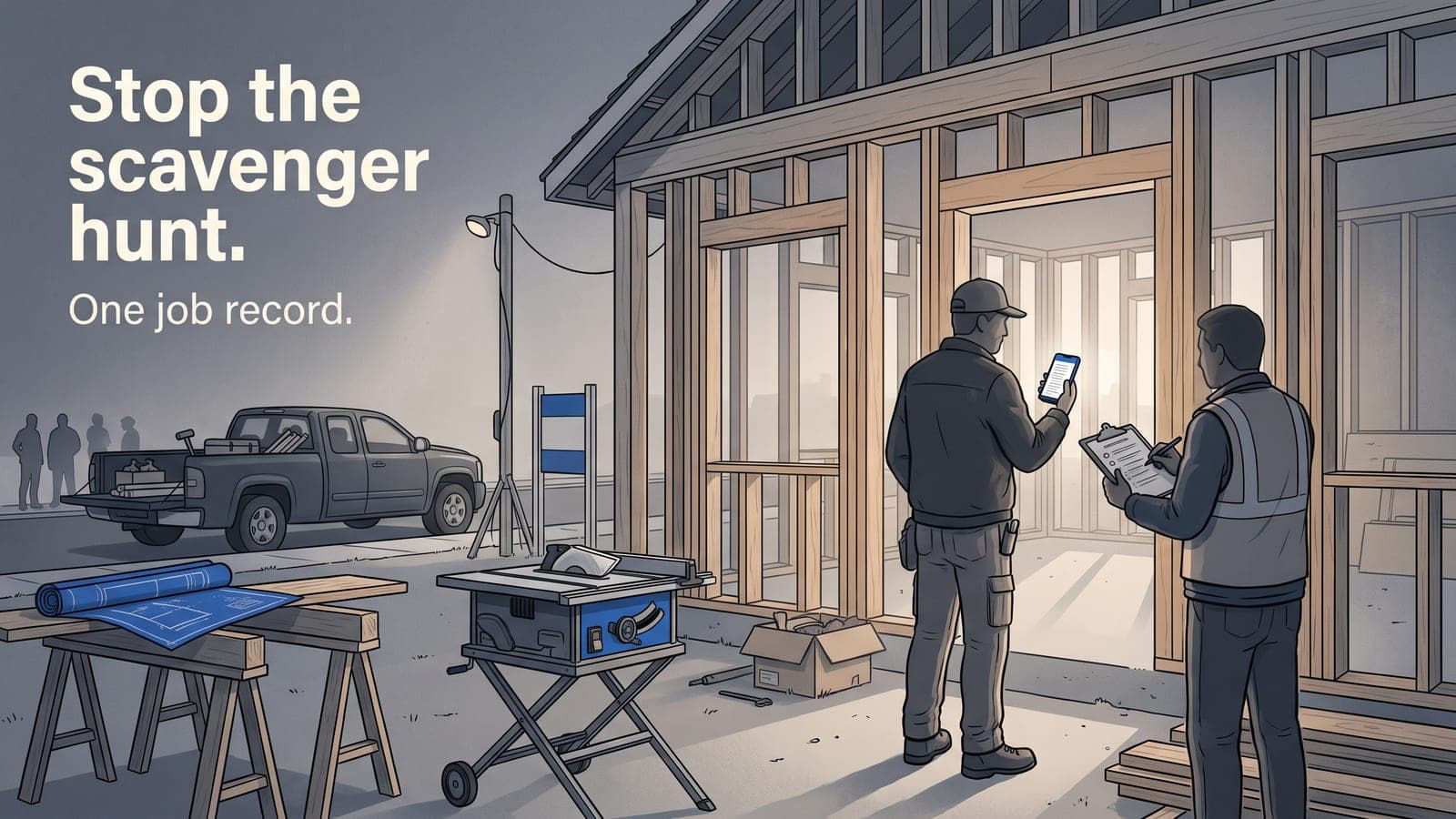
If you've ever stood in a customer's driveway trying to find the signed proposal on your phone while the homeowner watches, you already know the problem. The permit's in an email. The signed contract is in some e-sign app's inbox. The before photos are on the foreman's phone, the after photos are on yours, and the inspection sticker is a picture somebody texted the office three weeks ago. None of it lives together, and when you need it, you're on a scavenger hunt.
Document management for contractors isn't about buying a filing cabinet in the cloud. It's about one thing: every document tied to the job it belongs to, so the person who needs it can find it in ten seconds without calling you.
The real cost of scattered job documents
Nobody loses a contract on purpose. It happens because construction job documents get created in five different places by five different people, and there's no single spot they all land.
Here's what that actually costs you on a job:
- A crew shows up before the permit's issued. Somebody thought it was approved. Now you're paying a crew to stand around, or worse, you did work that gets red-tagged.
- A change order dispute with no paper trail. The homeowner swears they never approved the extra bathroom. You know they did, verbally, but the signed record is nowhere.
- Warranty callback two years later. Customer says the deck was never sealed. Your before-and-after photos would settle it in one text, if you could find them.
- A payment held up because the invoice went out but the signed contract backing it is in an inbox nobody can access.
Every one of these is a document that existed but wasn't where anyone could grab it. The fix isn't more discipline. It's a system where there's only one place to look.
Everything belongs on the job record
The job record is the anchor. Auto job number, custom statuses, and every document, note, and photo threaded onto it. When the permit, the signed contract, the inspection photos, and the field notes all live on the same record, you stop hunting and start working.
This is the core idea behind how JobWorkflowPro handles construction: a clean job record without the insurance clutter, where documents attach to the job instead of floating in a shared drive. Let's break down the three that matter most.
Permits: track the status, not just the PDF
A permit isn't a document you file and forget. It's a status that changes: applied for, issued, inspected, passed, closed. Permit tracking for contractors means knowing where each one stands without calling the building department.
Attach the permit itself to the job, and note its status in the job's threaded notes so the whole crew sees it. When the foreman opens the job on the mobile app in the field, the permit's right there — number, issue date, and whether the framing inspection cleared. No more sending a crew out on a job that isn't cleared to start.
The practical rule: if a permit's status would change what the crew does that day, it needs to be on the job record where they'll see it.
Contracts: signed, dated, and attached to the job
A signed contract is your single most important document on any job, and it's the one most likely to be stranded in a separate app. The signature and the job need to live together.
When e-sign is built into the job workflow, the customer signs the proposal and the executed copy lands right on the job record — no forwarding, no downloading, no "which folder did that go in." That's the whole point of getting e-sign into your day-one workflow: the paper stops chasing you. The signed scope also becomes your defense when a change order gets disputed, which is exactly why you want the original signed contract and every change order documented on the same record.
If your contracts live in one system and your jobs live in another, you've built the scavenger hunt into your process on purpose. Don't.
Photos: the record that wins arguments
Job photo storage for construction is where most crews are weakest, because photos are the easiest thing to take and the hardest thing to find later. They pile up on personal phones, get texted around, and vanish when someone gets a new device.
Photos threaded onto the job record — tagged to the job and dated automatically — turn into an asset instead of clutter. Before, during, and after. Progress shots for the draw. The inspection sticker. The unexpected rot you found behind the drywall that justified the change order. When a callback or a dispute comes two years later, you pull up the job and the photos are right there, in order, with dates the customer can't argue with.
The habit that makes this work: shoot photos from inside the job record, not the phone's camera roll. One extra tap in the field, and they're filed forever instead of lost by Friday.
Why "just use Google Drive" falls apart
Plenty of contractors run on a shared drive and a folder for each job. It works until it doesn't, and it stops working right around the time you're juggling more than a handful of active jobs at once.
The drive has no status. It doesn't know a permit was issued or a contract was signed. It doesn't tie the invoice to the contract or the photos to the schedule. It's storage, not a system — and the moment two people name folders differently, you're back to hunting. If you've hit that wall, you've probably outgrown spreadsheets and shared drives for running jobs, and no amount of folder discipline fixes it.
A real system connects the documents to the work. The signed contract feeds the estimate and invoice that sync to QuickBooks Online without you re-typing anything. The photos and notes back the job when you run profitability reports and figure out where the money actually went. Documents aren't a separate chore — they're part of the job record that runs your business.
A simple setup that actually holds
You don't need a complicated system. You need one place and one habit.
- One job record per job. Auto job number, custom status. Everything hangs off it.
- Permit attached with its status noted the moment you apply, updated as it moves.
- Contract signed and executed onto the record — e-sign inside the workflow, not a separate inbox.
- Photos shot from the job record at every stage, tagged and dated automatically.
- Field crew works off the mobile app, so they see the same documents you do.
Do that, and the next time a homeowner, an inspector, or an adjuster asks for something, you answer from your phone in the driveway instead of promising to "find it and call them back."
Frequently asked questions
How long should contractors keep job documents?
Long enough to cover your warranty and statute-of-limitations exposure, which varies by state and often runs several years past completion. Keeping documents on the job record instead of on someone's phone means they're still there when a callback shows up two years later.
Can field crews access documents without office help?
Yes, if the documents live on the job record and your crew has a mobile app. The foreman should be able to open the job, see the permit status, pull up the signed scope, and add photos without calling the office.
What's the difference between a shared drive and a job management system?
A shared drive stores files but knows nothing about the job — no status, no connection to invoices, estimates, or schedule. A job management system attaches documents to a live job record so a signed contract, permit status, and photos all move together with the work.
Should permits and inspection photos be stored together?
Yes. Keeping the permit and its inspection photos on the same job record gives you a clean paper trail from application to final sign-off, which is exactly what you want when a dispute or audit comes up.
If you're tired of the Google Drive scavenger hunt, this is the fix: put every permit, contract, and photo on the job record where your crew can actually find it. You can start a free trial and set up your first job in a few minutes, or email us at sales@jobworkflowpro.com if you want to talk through how your shop runs jobs today. No pressure — just a cleaner way to keep your documents where the work is.