E-Sign for Contractors: Stop Chasing Paper on Day One
Quick answers
- What documents do small contractors most need e-signed? A proposal or bid, a work authorization, and a change order cover most of what a small shop needs signed.
- Why is per-seat e-sign pricing a bad fit for a trades shop? Because only a few people in a small shop actually send documents — techs don't need signing accounts — so paying a per-user fee for signing software doesn't match how a trades business actually uses it.
- What is a work authorization in construction or restoration? It's the signed document that gives a contractor permission to begin work, covering agreed scope, property access, and terms, before the crew mobilizes.
- Why should a change order be signed before the extra work starts? Because a signed change order before the work happens prevents disputes at final invoice over whether the customer agreed to the added scope and cost.
- What's the "bid-to-start" gap in construction sales? It's the time between winning a bid and getting a signed, actionable document — the longer that gap, the more chance a customer has to go with a competitor.
You won a bid. The homeowner said yes on the phone. Now you're printing a work authorization, driving it over, hoping someone's home, and waiting for a signed page to come back before your crew can safely start. Meanwhile the customer is one bored evening away from calling the next guy on their list.
That gap — between "yes" and a signed document you can act on — is where small contractors lose jobs and lose days. E-sign closes it. Not with some enterprise contract-management suite you'll never fully use, just a clean way to send a proposal, a work authorization, or a change order and get it back signed from a phone in a parking lot.
Here's how to think about e-sign for contractors without overbuying, and how to wire it into the way you already run jobs.
The three documents that actually matter
Most small shops don't need fifty templates. They need two or three, done right, that cover the moments where a signature protects you or unlocks work.
1. The proposal (or bid)
This is the one that turns a conversation into a commitment. Scope, price, exclusions, payment terms. When a homeowner can tap "accept" the same day you walk the job, you skip the follow-up limbo where good leads go cold. The faster you can get a proposal signed, the less room there is for a competitor to slide in.
2. The work authorization
The electronic work authorization is the document that lets your crew touch the property. In construction it's the "yes, start" — permission to begin, agreement on scope and access, and your terms on the record. Getting this signed before mobilization is what keeps you from doing work you can't cleanly bill for. On paper, this is the classic bottleneck: the doc exists, it's just not signed yet, so the truck sits. Electronic signing makes it a two-minute step instead of a two-day one.
3. The change order
This is the one that saves you money. Every seasoned contractor has eaten a change because the customer "didn't remember agreeing to it." A signed change order — before the extra work happens — is the difference between a paid extra and a fight at final invoice. When change orders are a quick digital send instead of a hassle, you'll actually use them, which is the whole point.
Start with these. If you later want a warranty acknowledgment or a completion sign-off, add it. But most shops run 90% of their work on proposal, work auth, and change order.
Why per-seat contract signing software is the wrong model for a trades shop
The common contract signing software everyone knows was built for offices — legal teams, sales departments, HR. The pricing follows that world: you pay per user seat, and the price climbs as you add people.
That model is backwards for a small contractor. Think about who actually needs to send a document in your shop. Maybe you. Maybe your PM. Maybe your estimator. But your field techs don't need signing accounts, and neither does anyone else on your ten-person crew. Paying a monthly seat tax so a couple of admins can send a handful of contracts a week doesn't add up.
The volume-based model fits the trade better: you don't pay for who could send a document, you pay for the documents that actually get signed. A slow month costs you almost nothing. A busy month scales with the work you're already billing for.
How we set it up in JobWorkflowPro
We built e-sign into the platform the way a contractor would want it, not the way a software vendor would price it.
We build your first templates free. Hand us your two or three documents — the proposal, the work auth, the change order you already use — and we'll build them into the system for you. You're not learning a template editor at 9 p.m. after a long day. You send us what you've got, we set it up, you review it. No competitor charges I'll quote here, but the point is you shouldn't be paying setup fees to digitize contracts you already wrote.
You pay per signed document. No seat tax. No "premium plan to unlock signing." Just a metered cost per signed doc, which you can see on the pricing page. If you send more contracts because you're busier, that's a cost that tracks revenue — the good kind.
Signing lives on the job. This is the part that matters and gets overlooked. A standalone e-sign tool gives you a signed PDF sitting in some inbox. Great — now it's disconnected from the job it belongs to. In JobWorkflowPro the signed document attaches to the job automatically, right alongside your threaded notes, photos, and documents. When you pull up that job in six months because of a dispute or a warranty question, the signed work auth is right there with the timestamp. No hunting through email.
The bid-to-start clock is the real metric
Every day between a signed bid and boots on the ground is a day you're not billing and a day the customer is second-guessing. Digital contracts for a small contractor aren't about looking modern. They're about shortening that clock.
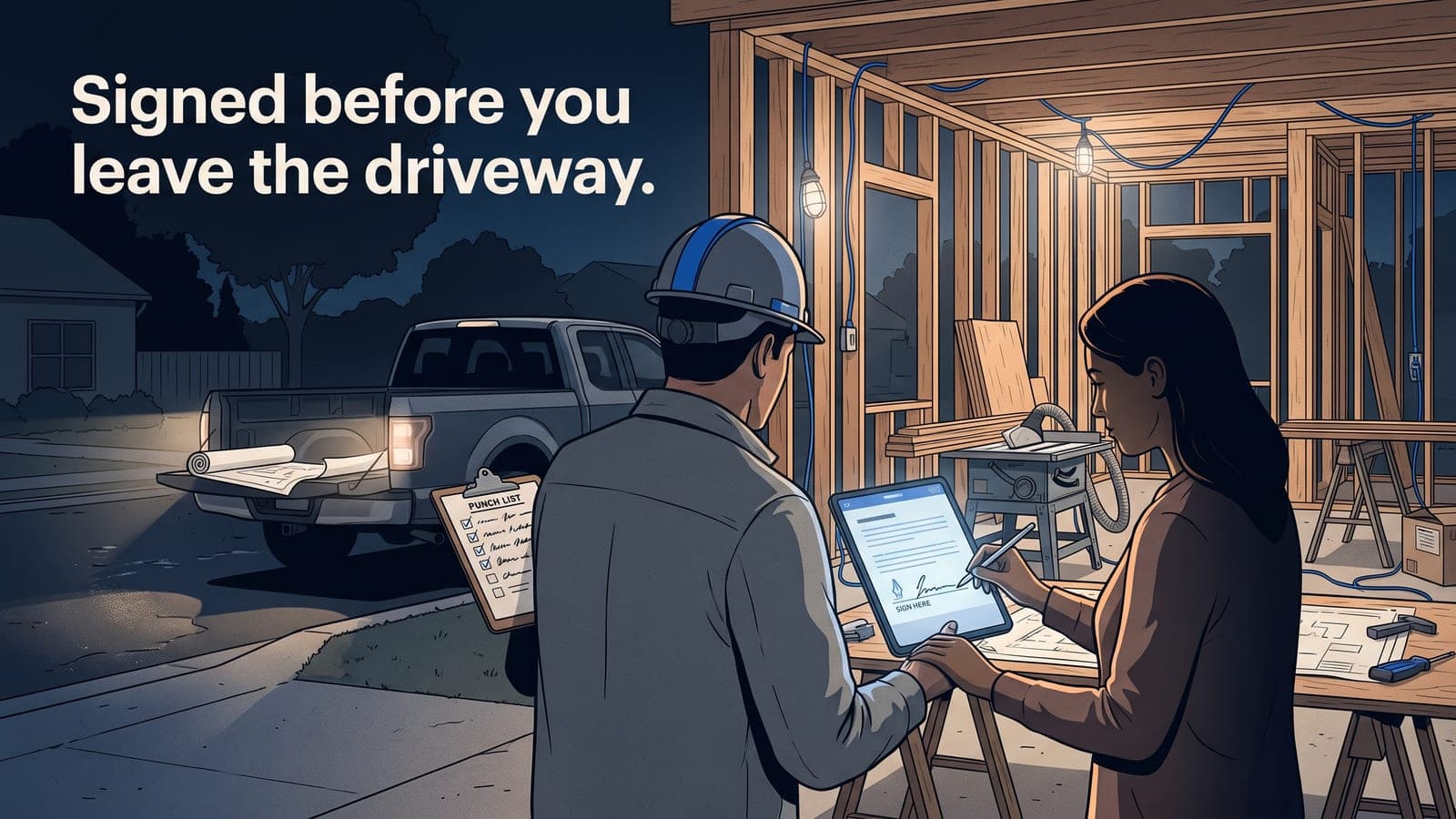
Walk the job Tuesday morning. Send the proposal from your phone before you leave the driveway. Customer signs at lunch. You send the work auth, they sign that evening. You schedule the crew for Thursday. That's a two-day bid-to-start that used to be a week of phone tag and paper shuffling.
When you're tracking that on the same platform where your job profitability numbers live, you also start to see the pattern: the jobs that closed fast are usually the ones you priced with confidence and moved on quickly. Speed and margin tend to travel together.
Where e-sign fits in a real job workflow
E-sign isn't a standalone product you bolt on. It's one step in tracking a job from lead to paid:
- Lead comes in. New job, auto job number, custom status.
- You bid it. Estimate built (and if you want to tighten it, here's bid vs. actual).
- Proposal signed. Job status moves to accepted.
- Work auth signed. Crew is cleared to mobilize.
- Change orders as they come. Each one signed before the work, attached to the job.
- Invoice. Because JWFP syncs with QuickBooks Online, your accepted estimate flows straight into invoicing without re-keying.
The signed documents aren't the goal. Getting paid faster with less friction and a cleaner paper trail is the goal. E-sign is just how you get there without the drive-arounds.
What about the restoration and contents crowd?
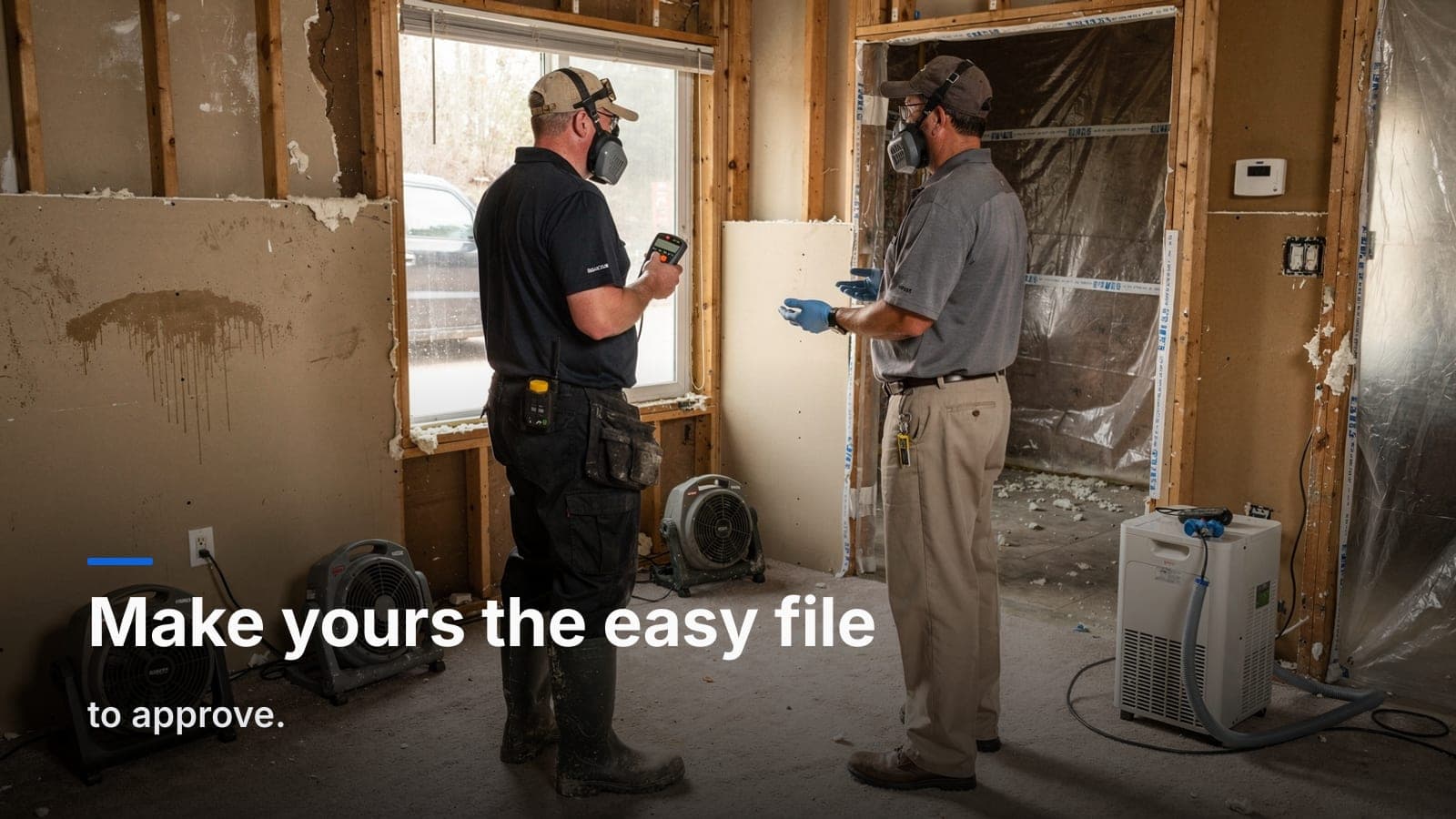
Same engine, different templates. If you run water, fire, or mold work, the e-signed work authorization is even more load-bearing because the carrier expects it, and it needs to tie to the claim. That workflow lives on the restoration side of the platform, with the insurance fields built in. But the core idea is identical: hand us your templates, pay per signed doc, and stop letting an unsigned form hold up a crew.
Keep it simple
You don't need a contract department. You need three documents that get signed fast and land on the right job automatically. Build those, meter them, and put your attention back on the work.
Frequently asked questions
What's the difference between volume-based and seat-based e-sign pricing?
Volume-based pricing charges per document signed, so cost tracks how busy you are; seat-based pricing charges per user regardless of how many documents get signed.
Does a signed contract need to live separately from the job record?
Not necessarily — keeping the signed document attached directly to the job makes it easy to find later during a dispute or warranty question, rather than leaving it sitting in an inbox disconnected from the job.
What restoration-specific document relies on e-sign?
The work authorization tied to an insurance claim — carriers expect it, and it needs to connect back to the claim.
Why might a slow bid-to-start process cost more than lost time?
Jobs that close fast tend to be the ones priced with confidence and moved on quickly, which suggests speed and margin often travel together.
How does Job Workflow PRO price e-sign for contractors?
It charges per signed document rather than per user seat, and will build a contractor's existing proposal, work-auth, and change-order templates into the system.
If you want to see it on your own templates, start a free trial and send us the proposal, work auth, and change order you use today — we'll build them in for you. Or if you'd rather talk it through first, email us at sales@jobworkflowpro.com. No seat tax, no pressure.