Bid vs. Actual: How to Tighten Your Next Estimate
Quick answers
- What is a bid-vs-actual comparison? It's checking what you estimated for a job against what it actually cost, category by category, so you can see exactly where and by how much the bid missed.
- Why do construction estimates run over budget? Most overruns trace back to labor hours logged loosely, material overages that never get tied back to the original line item, and change orders that get done but never priced or billed.
- What categories should a construction estimate be broken into? A workable breakdown for most GC and remodel work is labor (by phase), materials, subs (each trade its own line), equipment and rentals, and permits/dump fees.
- How often should you compare bid to actual costs? Capture actual costs while the job is running, then run the full comparison at closeout — waiting until later makes labor hours and material overages nearly impossible to reconstruct accurately.
- What's a good way to improve estimating accuracy over time? Track the variance by category on every job and feed the pattern back into your next bid's unit costs and production rates, rather than repricing from scratch each time.
Every contractor has a story about the job that looked great on paper and bled money in the field. You bid it clean, the crew showed up, and somewhere between the estimate and the final invoice a few thousand dollars quietly walked off the site. You knew it was tight when it wrapped, but by the time you were done chasing the next three jobs, nobody sat down to figure out exactly where it went sideways.
That gap between your bid and your actual costs is the single most useful piece of information you have, and most shops never look at it. Not because they don't care, but because the data lives in five places and pulling it together feels like a weekend project. It shouldn't be. Closing that gap is the difference between bidding on gut and bidding on numbers, and it's how estimating accuracy actually improves job over job.
Why the gap exists in the first place
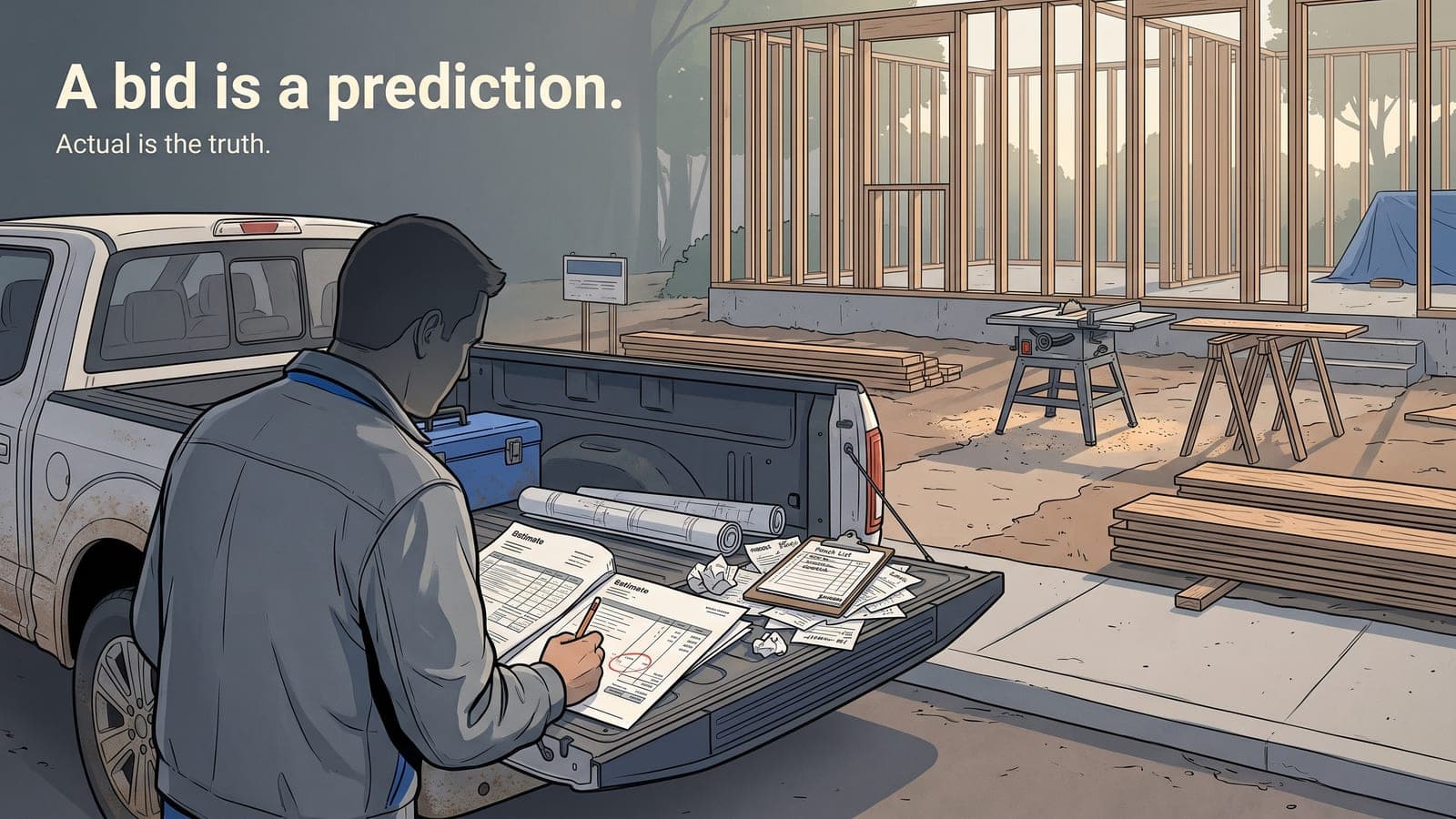
A bid is a prediction. Actual cost is the truth. The space between them is where you learn something, but only if you can see both numbers side by side on the same job.
Most of the time you can't, and here's why:
- Labor gets logged loosely. The crew worked "about four days." That's not a number you can cost against a line item.
- Material overages hide in receipts. You bid the drywall, then bought more mid-job because the original count was short. That extra run rarely makes it back onto the estimate line it belongs to.
- Change orders don't get captured. The homeowner added a wall, you handled it, and it either never got billed or got billed without ever touching your cost tracking.
- The estimate and the accounting live apart. Your bid is in one tool, your invoices and bills are in QuickBooks, and nothing ties a specific job's estimate to that same job's actual spend.
You can't tighten a bid you never measured against reality. So the first move isn't better estimating software. It's building a habit where every job carries its bid and its actuals in the same place.
Set the bid up so it can be measured later
The trick to a clean bid-vs-actual comparison is deciding, before the job starts, what buckets you're going to compare. If you estimate in three fat categories, don't try to reconcile against fifteen. Match the structure of your estimate to the structure of how you'll track cost.
For most GC and remodel work, a workable breakdown looks like:
- Labor (by phase if you can — demo, rough, finish)
- Materials (tied to phases the same way)
- Subs (each trade as its own line)
- Equipment and rentals
- Permits, dump fees, and the misc that always shows up
Keep it consistent across jobs. The value of job costing compounds when your categories don't change every bid, because then you can look across ten jobs and spot that your finish carpentry labor is always light by fifteen percent. That's not one bad estimate. That's a number you should be adjusting on every bid going forward.
Assign an auto job number the day you win the work and hang everything off it — the estimate, the notes, the photos, the bills. When the estimate and the spend share the same job record, the comparison stops being a project and starts being a report you glance at.
Capture actuals as the job runs, not after
The reconciliation that happens at closeout is the one that never happens. You're already onto the next thing. So the real discipline is capturing cost while the job is live.
Labor is where most of the leak is, and it's the hardest to reconstruct after the fact. Have the crew log hours against the job daily from the field. A mobile app your techs actually use matters more here than any spreadsheet, because if logging time takes more than a few taps it won't happen. Hours entered the same day are accurate. Hours reconstructed from memory on Friday are fiction.
Materials and subs flow in through your bills. If your job tracking and your accounting sync, every vendor bill and sub invoice tagged to that job number lands against the job automatically. No double entry, no separate cost spreadsheet to maintain. We wrote about how that QuickBooks Online sync works for the trades if you want the mechanics — the short version is your accounting and your job records should be talking to each other so actuals accumulate on their own.
Change orders get their own line, always. A change that isn't documented as a change is a change you ate. Log it, price it, get the approval in writing, and let it hit both the revised bid and the actual cost. Half of what looks like a blown estimate is really uncaptured scope.
Run the comparison — and read it honestly
Once a job carries both its bid and its actuals, the comparison is simple. For every category, you want three numbers: what you estimated, what it actually cost, and the variance. A job profitability report that lays this out per line is the whole point of doing the work above.
Now read it like a pro, not like someone looking for someone to blame:
- A category that's consistently over is an estimating problem, not a crew problem. If your labor runs 20 percent hot on every kitchen, your labor rate or your production assumptions are wrong. Fix the bid.
- A category that's over on one job only is worth a conversation. Was it a bad day, a hard access, a client who kept changing things? Different fix.
- A category that's dead-on is your proof. Those are the numbers you bid with confidence next time.
The point isn't to hit zero variance. That's not a real target. The point is to know which direction you're wrong in and by how much, so your next bid corrects for it. A contractor who knows their finish labor runs 12 percent over and pads accordingly will out-earn one who reprices from scratch every time and hopes.
Feed it back into the next bid
This is the part that separates shops that improve from shops that just keep records. The reconciliation is worthless if it lives in a folder. It has to change the next number you send a client.
Build yourself a simple loop:
- Bid the job with your current assumptions.
- Track actuals against that bid, live, in the same system.
- At closeout, look at the variance by category — takes ten minutes when the data's already there.
- Adjust your unit costs and production rates for the next bid of that type.
Do that for a season and your estimates stop being guesses. You'll know your real labor rate loaded with the overhead nobody wants to think about. You'll know which subs come in over their quote and which don't. You'll know your dump and disposal costs cold. That's construction estimating built on your own history instead of last year's numbers plus a nervous guess.
And the confidence cuts both ways. Sometimes you find out you've been overbidding a category and losing work you could've won at a smarter number. Tighter isn't always higher.
Keep the clutter out of it
One note for GCs specifically: you don't need the insurance-claim machinery that restoration shops run on. No carrier fields, no adjuster tracking, none of it. What you need is clean job tracking — statuses, notes, photos, documents, and a straight line from estimate to actual to invoice. Turn on the construction package and skip the mitigation modules entirely. You can see how the modular setup and pricing shakes out on the pricing page — you only pay for what you switch on.
The whole game here is boring in the best way. Set your categories once. Capture cost as you go. Compare at closeout. Adjust the next bid. Repeat. There's no trick to estimating accuracy beyond measuring what actually happened and letting it correct you.
Frequently asked questions
What's the difference between a bid and an estimate on a construction job?
In most shops the terms are used interchangeably — the bid is the estimate you submit to win the work, and once it's accepted it becomes the number your actual costs get measured against.
How should a sub's quoted price be tracked once work starts?
Treat the sub's bid as a fixed line item in your estimate, but still check the actual invoice against it — scope changes and added work are common reasons a sub's final bill doesn't match the original quote.
What does it mean if a job comes in under its bid?
It's still worth a look — coming in well under budget on a category can mean you overpriced that part of the job and left money on the table, which is as useful to know as running over.
How much bid-vs-actual data do you need before trusting the pattern?
A single job can be a fluke, so look across a season of similar jobs — a category that's consistently off job after job is an estimating problem, not a one-off.
Can job costing software calculate bid-vs-actual automatically?
Yes, if your estimate and your actual costs (labor, materials, subs) share the same job record, the variance can be pulled as a report instead of built by hand — that's the model Job Workflow PRO's construction package is built around.
If you want to see what bid-vs-actual looks like when the estimate, the field time, and the accounting all live on the same job, start a free trial or email us at sales@jobworkflowpro.com. Bring a job you already closed and run the numbers on it — that's usually the moment it clicks.