Insurance Restoration Job Tracking: Claim #, Carrier, Adjuster
Quick answers
- What insurance fields does a restoration job need to track? Claim number, carrier, adjuster name and contact, policyholder/insured, deductible, date of loss, and type of loss are the core fields that show up on every approval and invoice.
- Why does the claim number matter so much on a restoration job? It goes on every estimate, invoice, and email to the adjuster, so getting it right once and never re-keying it prevents the mismatches that cause carriers to reject or sit on an invoice.
- Are the policyholder and the customer always the same person? Not always — on a landlord property, the insured and the occupant can be different people, so both need to be tracked separately.
- When should a work authorization be signed on an insurance restoration job? As early as the initial inspection, before any equipment goes down, so consent is locked in before the work starts rather than chased after the fact.
- How does missing adjuster contact info delay a restoration claim? If the adjuster's phone or email only exists in a text thread or someone's memory, approvals stall while someone tracks it down instead of answering the adjuster's question right away.
Every restoration job that runs through insurance lives or dies on a handful of details. The claim number. The carrier. The adjuster's name and how to reach them. The policyholder's deductible. Whether the work authorization is signed. Miss one of those, or bury it in a text thread on somebody's personal phone, and you're the one holding the bag when payment stalls 60 days out.
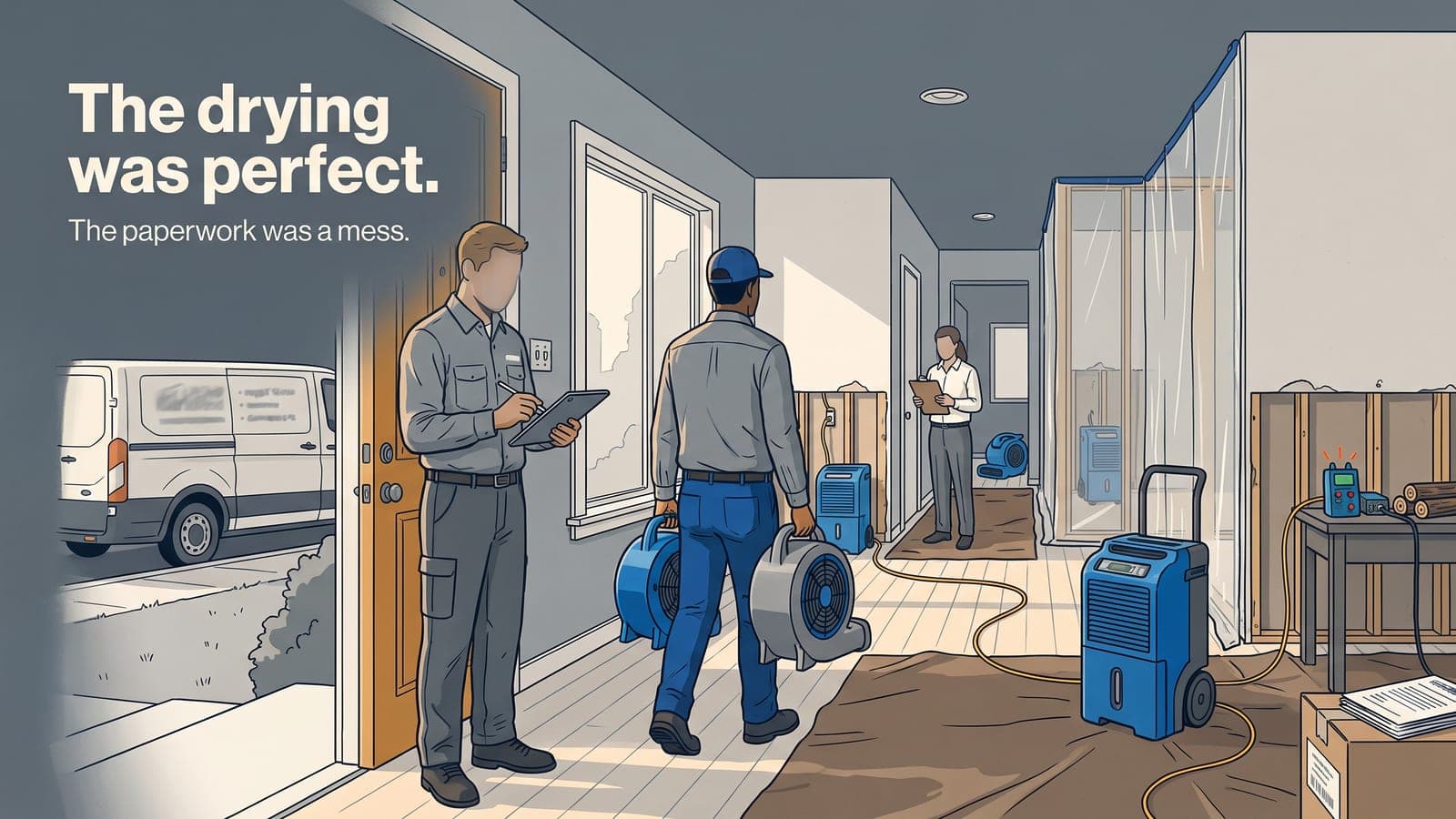
I've watched crews do beautiful mitigation work and then wait three months to get paid because nobody could find the adjuster's email, or the claim number got fat-fingered on the invoice. The drying was perfect. The paperwork was a mess. The carrier doesn't care how good your work was if the file doesn't line up.
So let's talk about the insurance restoration workflow the way it actually plays out in the field, and what fields you genuinely need on every job to keep approvals moving and AR from aging into oblivion.
The fields that belong on every insurance job
You don't need 40 custom fields. You need the ones that show up on every approval conversation and every invoice. Here's the short list that earns its keep:
- Claim number — the single most important string of characters on the whole job. It goes on every estimate, every invoice, every email to the desk adjuster. Get it once, get it right, and never re-key it.
- Carrier — who's actually paying. Matters for AR, matters for how you format the estimate, matters because different carriers have different quirks and you learn them over time.
- Adjuster — name, phone, email, and whether they're a desk adjuster or field adjuster. This is the human who approves or fights your scope.
- Policyholder / insured — often the same as your customer, but not always. On a landlord property the insured and the occupant are different people, and you need both.
- Deductible — because that's the piece you collect from the homeowner, and if you don't flag it up front, you're chasing it after the job closes.
- Date of loss — carriers reference it constantly. Keep it on the job.
- Type of loss — Cat 1 water reads very differently than a Cat 3 sewage backup, and the water damage category drives your whole scope.
That's the core. Add fields for reference/file numbers or reservation-of-rights notes if a particular carrier makes you, but resist the urge to build a form so long nobody fills it out. A field that's blank on half your jobs is worse than no field at all.
Why one system beats a phone, a folder, and a whiteboard
Most shops don't have an information problem. They have a scatter problem. The claim number is in the estimator's email. The adjuster's cell is in a text. The signed authorization is a photo on a tech's phone. The moisture readings are on a clipboard in the truck. Everything exists — it's just in six places, and no two people can see the same picture.
That scatter costs you in two spots that hit the bank account directly: approvals and AR.
On the approval side, a desk adjuster who emails asking for the drying log wants it now, not after you've called the tech who's on another loss across town. When your moisture mapping and drying logs live on the same job record as the claim, you answer in minutes and the approval keeps moving. Every day you save on approval is a day sooner you start earning revenue instead of floating equipment.
On the AR side, an invoice that carries the correct claim number, carrier, and date of loss the first time doesn't bounce. Carriers reject or sit on invoices for the dumbest reasons — a mismatched claim number, a missing reference. If your invoicing pulls those fields straight from the job instead of from somebody's memory, you cut out a whole category of "we never received a clean invoice" delays.
Connect the insurance fields to the money
Here's where a lot of restoration job management falls apart: the insurance data lives in one place and the accounting lives in another. You track the claim in a spreadsheet, then re-type the customer, the estimate, and the invoice into QuickBooks. Every hand-off is a chance to introduce an error, and every error is a payment delay.
The fix is to stop re-entering. When your job record and your books share the same customer and estimate data, the claim number and carrier ride along automatically onto the invoice. We built QuickBooks Online sync specifically so restoration shops stop double-entering customers, estimates, invoices, and AR between the field system and the accountant.
And once the money and the job are connected, you can finally see the truth on AR aging. Which carriers pay in 30 days and which drag to 90. Which adjusters approve fast. That's not just bookkeeping — that's the data that tells you which work is actually worth chasing. The same idea drives job profitability for contractors: you already have the numbers, you just need them in one place to read them.
Work authorizations: get the signature before you pull equipment
The claim workflow isn't only about the carrier. The homeowner has to authorize the work, and on an insurance job that authorization is what protects you when a policyholder later disputes the scope or the deductible. Chasing a signature after the fact is a losing game.
Keep the e-signed work authorization attached to the job from day one. When it's signed on the tech's mobile app at the initial inspection — same visit you're grabbing the claim number and adjuster info — you've locked in consent before the first air mover goes down. If a dispute ever comes up, the signed doc is right there on the record next to the photos and the readings. No hunting.
What this looks like in the field
Picture the standard water loss. Tech arrives, meets the homeowner, and on the mobile app opens a new job. Job number generates automatically. They enter the claim number, carrier, adjuster, date of loss, and deductible right then, while the homeowner is standing there with the declarations page. Photos go on the job. The work authorization gets signed on the spot.
Back at the office, the estimator sees a complete file — no phone calls to reconstruct the details. The estimate goes out to the adjuster with the claim number already on it. Drying logs update daily from the field and sit on the same record. When the adjuster asks a question, the answer is one screen away. When the job closes, the invoice carries the right claim number and syncs to the books without anyone re-typing it.
That's the whole point of an insurance restoration workflow that actually lives in one system. Fewer dropped balls, faster approvals, cleaner AR. The insurance module on our restoration package is built around exactly these fields — claim number, carrier, adjuster, work authorizations — sitting on top of the shared job tracking, notes, photos, and reporting every plan includes.
Start simple, then tighten it
You don't have to overhaul everything at once. Pick the three fields that cause you the most grief today — probably claim number, adjuster contact, and signed authorization — and commit to capturing them on the job record every single time, from the first visit. Get the crew doing it on mobile so it happens at the source instead of getting reconstructed later. Once that's habit, the AR and approval wins follow on their own.
Frequently asked questions
What's the difference between a desk adjuster and a field adjuster?
A desk adjuster typically reviews and approves claims remotely without visiting the site, while a field adjuster inspects the loss in person — knowing which one you're dealing with affects how you communicate and what proof you send.
Should the deductible be collected before or after the job?
Flag the deductible up front, at the first visit, rather than after the job closes — it's the piece you collect directly from the homeowner and it's much easier to chase before the crew has already left.
Why do insurance invoices get rejected or delayed by carriers?
Common reasons include a mismatched claim number, a missing reference number, or invoice details that don't match what the adjuster has on file — small data errors that come from re-typing information instead of pulling it from one source.
What happens if a water loss changes category after work has started?
The scope and documentation should be adjusted and the reasoning noted in the file — carriers expect the record to reflect the actual condition found, not just the category assumed on day one.
Can restoration job tracking and QuickBooks share the same claim data?
Yes — when the job record and the accounting share the same customer and estimate data, the claim number and carrier ride along onto the invoice automatically, which is the model behind Job Workflow PRO's QuickBooks sync.
If you want to see how it maps to your shop, you can browse pricing to figure out which modules you'd actually turn on, or start a free trial and set up a real job to see how the insurance fields flow through to your invoices. Rather talk it through first? Email us at sales@jobworkflowpro.com — happy to walk your workflow with you before you commit to anything.