Room-by-Room Contents Inventory: A Field Tech's Checklist

Quick answers
- What order should a field tech photograph an item in during a pack-out? A wide shot of where it lives, a clear shot of the item itself, a close-up of any damage, and a shot of any maker's mark or model number if it matters for value.
- Should a tech work one room at a time or move between rooms during a pack-out? One room at a time — jumping between rooms during a pack-out is the single biggest cause of half-finished, hard-to-reconcile inventories.
- What fields should be captured for each contents item? Room, box number, item name and description, quantity, condition, disposition, and a high-value flag if it needs special handling.
- What should a tech do before leaving the structure on a pack-out? Confirm every room is marked complete, every box is labeled and entered with photos, damage photos exist for every non-salvageable call, and the box count matches the truck.
- What should a tech do when they're unsure about an item's disposition? Flag it for review rather than guessing — a flagged item gets a second set of eyes, which is safer than a wrong call nobody catches.
The job that bites you isn't the one with 400 boxes. It's the one where you packed everything fast, got the customer happy, and then three weeks later the office is emailing you at 9pm asking which room the antique dresser came from and whether it had a water line on the leg or just dust. Nobody remembers. The photos are a blur. Now you're guessing on a claim, and guessing on a claim is how you eat the cost.
A clean room-by-room contents inventory isn't about being neat for neatness' sake. It's about capturing enough on-site that the office never has to call you back. Do it right the first time and the inventory practically writes itself. Do it loose and you'll pay for it twice — once in rework, once in scope you can't defend.
Here's the field workflow I'd hand a new tech on day one. It's photograph-first, room-by-room, and built so the gaps get caught before you leave the structure, not after.
Before you touch a box
Five minutes up front saves you an hour later.
- Confirm the job is set up. Job number, claim number, carrier, and adjuster should already be on the job before you arrive. If you're working a loss, that insurance info ties every item back to the right file. On JWFP the shared core auto-assigns the job number, and the restoration module carries the claim and carrier fields, so you're not inventing reference numbers in the field.
- Walk the whole structure first. Don't start boxing the first room you enter. Do a quick lap. You want to know where the heavy stuff is, what's salvageable vs. non-salvageable at a glance, and roughly how many rooms you're dealing with. That walk sets your room list.
- Set your room list. Name rooms the way the customer would: "Master Bedroom," "Garage," "Kids' Room (NE)." Don't use "Room 1, Room 2." Six months from now nobody knows where Room 4 was.
- Stage your boxes and labels. Box numbers should be sequential and unique to the job. If your inventory tool generates them, let it. Hand-numbering across a three-truck crew is where duplicate box 14s come from.
Work one room completely before you move on
The single biggest mistake on a pack-out is jumping between rooms. You start the kitchen, get pulled to help carry a couch out of the den, come back, and now half the kitchen is inventoried and half isn't and you can't tell which.
Finish a room. Close it out. Move on.
Within each room, work a consistent direction — left to right, top to bottom. Pick a corner and circle the room the same way every time. Your brain stops having to decide what's next and you stop missing the closet, the top shelf, the stuff behind the door.
The photograph-first rule
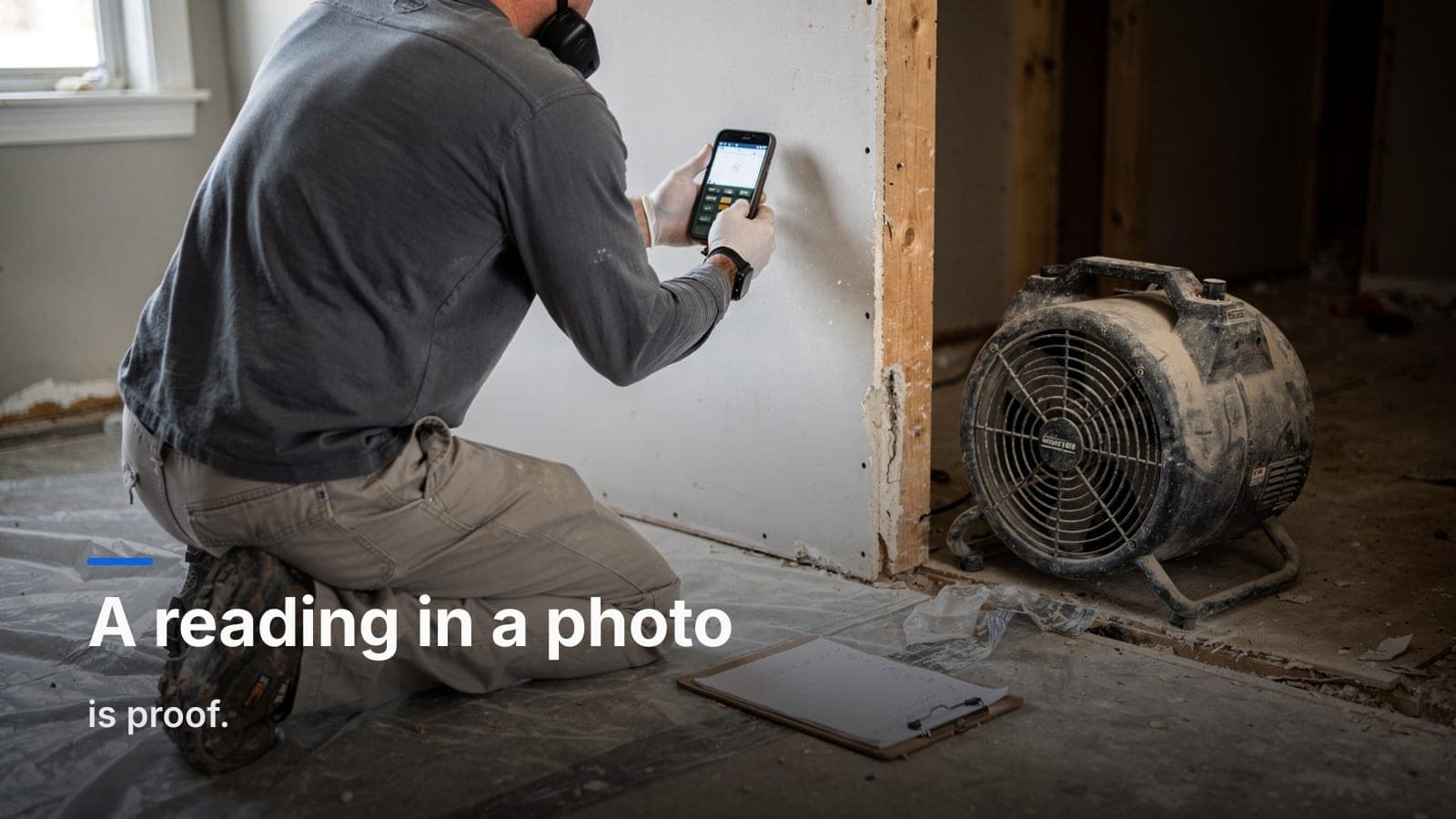
Photo before you pack. Always. The photo is the record, and on a contents job the photo is also your proof of condition.
For each item or grouping, the sequence is:
- Wide shot of where the item lives, so the room context is obvious.
- The item itself, clear and in focus, before it goes in the box.
- The damage, close up, if there's damage. A water line, a scorch mark, mold growth, a crack. Get it tight enough that an adjuster can see it without squinting.
- Any maker's mark, model number, or label if it matters for value — back of electronics, underside of furniture, brand tags on high-value goods.
The discipline here is simple: if it isn't photographed, it didn't happen. When a customer later swears the TV was working and you marked it non-salvageable, the photo of the soot-coated vent is the conversation-ender.
This is also where a real mobile workflow earns its keep. Snapping into the native companion app puts the photo on the right item, in the right box, in the right room, instantly. Shooting to your camera roll and "sorting it later" is the lie we all tell ourselves at 4pm. It doesn't get sorted later. It gets lost.
What to capture per item
You don't need a dissertation on every coffee mug. Group the low-value stuff ("Kitchen — assorted glassware, 1 box") and get granular on the items that drive the claim. For anything that matters, capture:
- Room — where it came from.
- Box number — where it's going.
- Item name / description — enough to identify it. "Leather recliner, brown, La-Z-Boy" beats "chair."
- Quantity.
- Condition — pre-existing wear vs. loss-related damage. Be honest and specific. "Water line 6in up left leg" is a condition note. "Damaged" is not.
- Disposition — salvageable, non-salvageable, clean & return, store, dispose, or whatever your status set uses. This is the field the office and the adjuster live in.
- High-value flag — anything that needs special handling, separate documentation, or a pricing decision.
The disposition call is where techs get nervous, and that's fair — you're making a judgment that shows up on a claim. When you're genuinely unsure, flag it for review rather than guessing. A flagged item gets a second set of eyes. A wrong disposition that nobody catches gets argued about with an adjuster.
If naming and describing every item sounds like the part that eats your day, that's exactly the busywork the contents AI is built to take off your plate — auto-naming, descriptions, and item pricing from the photo, so you can move and let the software do the typing.
Boxes, labels, and the chain that survives an audit
A box is a container with a number, and that number has to mean the same thing on the label, in the system, and on the manifest. Break that chain and you've got a pack-out that won't hold up when someone reviews it.
- Label the box as you close it, not in a pile at the end.
- One box, one number, one room wherever possible. Mixed-room boxes are a headache at the return.
- Note fragile / handling needs on the box record, not just a Sharpie scrawl.
- Get the customer approval where your workflow calls for it — disposition sign-off, non-salvage acknowledgment. Capturing that on-site beats chasing a signature a week later.
If you want the deeper version of this — the documentation standard that holds up under scrutiny — we wrote a whole piece on running a pack-out inventory that survives an audit. And if you want to know what the loose version costs you, the five quiet pack-out mistakes post is the one to read on a slow afternoon.
Before you leave the structure
Don't drive away until you've done the closeout pass. This is the step that kills the 9pm phone calls.
- Every room on your list is marked complete. No half-rooms.
- Every box is labeled and entered, with photos attached.
- High-value and flagged items have a note explaining the flag.
- Damage photos exist for every non-salvageable call. No exceptions.
- Customer approvals captured where required.
- Box count matches the truck. Count what you loaded against what's in the system.
If all six are true, the office can build the estimate without calling you, the adjuster can review without a fight, and you can move to the next loss with a clear head.
Why the tool matters here
You can run this checklist on paper. People did it for years. But paper inventories get the room wrong, the photos live somewhere else, and the office spends Monday reconciling six clipboards. A field-first tool that ties the photo, the item, the box, the room, and the disposition together in one record — synced the second you tap save — is the difference between a pack-out you can stand behind and one you're reconstructing from memory.
That's the whole idea behind the JWFP contents module: capture it right in the field, let the AI handle the busywork, and keep the office and the field on the same page. It runs on the same core as the construction and restoration packages, so you turn on only what your shop actually does.
Frequently asked questions
Why shouldn't rooms be named "Room 1, Room 2"?
Generic labels are meaningless months later — naming rooms the way the customer would, like "Master Bedroom" or "Garage," keeps the inventory readable to anyone reviewing it.
What should happen before a crew starts boxing anything at a pack-out?
Confirm the job number, claim number, carrier, and adjuster are already set up, and walk the whole structure once to get a sense of scope before touching a box.
Why shouldn't box numbers be assigned by hand across a multi-tech crew?
Manual numbering across several techs is how duplicate box numbers happen — letting the inventory system auto-assign numbers avoids that collision.
What's the difference between a condition note like "damaged" and a good one?
A vague note like "damaged" isn't useful; a specific one like "water line 6in up left leg" documents exactly what happened and holds up under review.
What slows techs down most when doing item-level inventory in the field?
Typing a name and description for every single item — which is the specific busywork AI-assisted naming and descriptions in tools like Job Workflow PRO's contents module are built to take off a tech's plate.
If you want to put this checklist to work, start a free trial and run your next pack-out through it — or email us at sales@jobworkflowpro.com and we'll walk you through how other contents crews have it set up. No pressure either way. Take the checklist, even if you never call us.