Kanban vs. List: How to Organize Your Job Pipeline
Quick answers
- What's the difference between a kanban board and a list for jobs? A kanban board shows jobs as cards in columns you drag between statuses; a list shows the same jobs as rows you can sort, filter, and scan in bulk.
- When should a contractor use a kanban board? Use a board when the question is "where does every job stand right now" and you want to move work forward at a glance in a morning huddle.
- When is a list better? Use a list when you need to sort, filter, and act on many jobs at once — like chasing AR, pulling everything for one adjuster, or finding stalled jobs.
- Do I have to pick one? No. The best setup is the same job data shown both ways, so you switch views for the task in front of you instead of maintaining two systems.
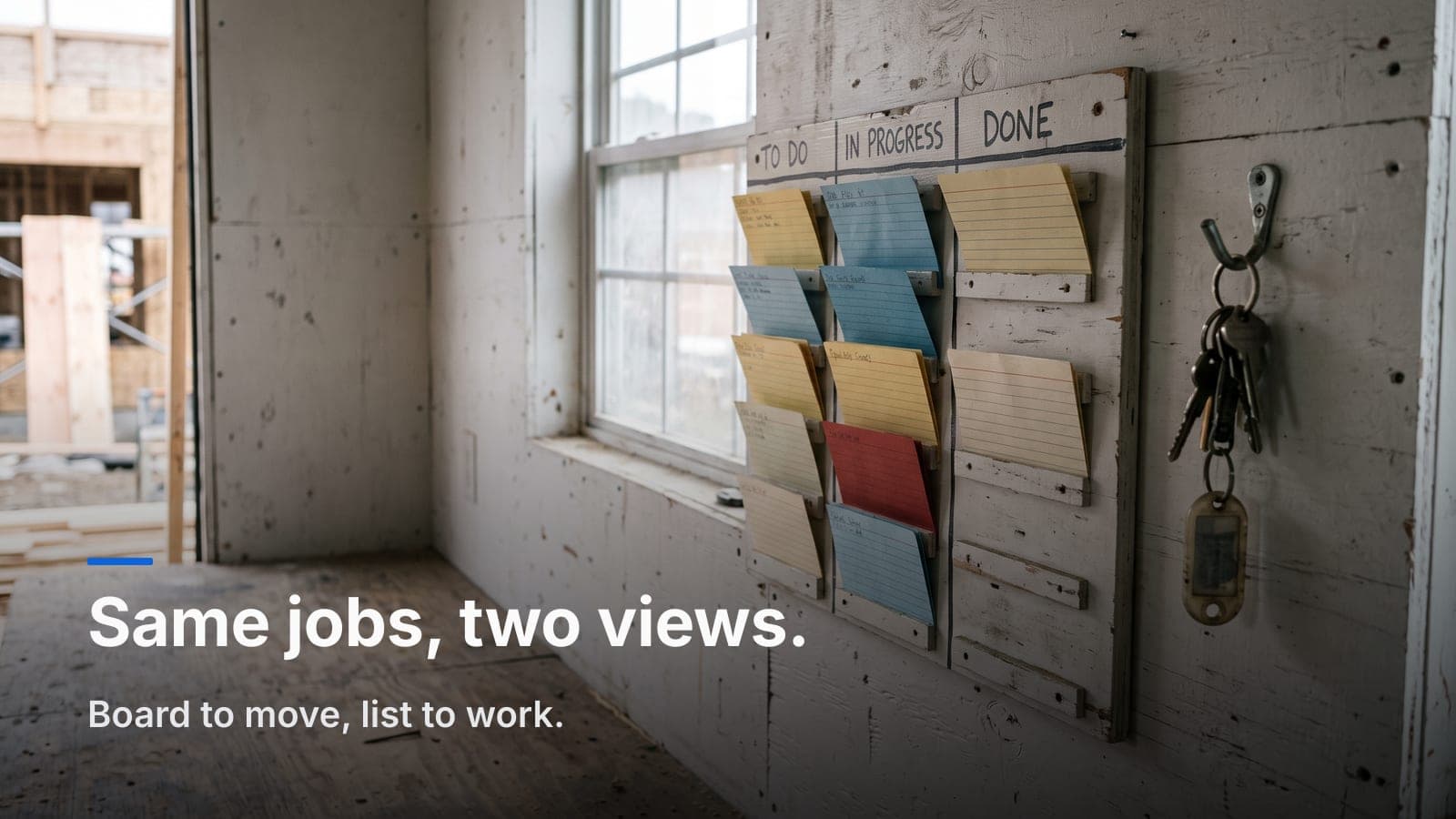
If you've ever run your jobs off a whiteboard with magnets, you already understand kanban. Columns for stages, a card per job, and you slide the card right as the work moves. It works because it's visual and everybody standing in the shop can read it in two seconds. The problem is the whiteboard doesn't sort, doesn't remember, and doesn't tell you which of those jobs is 45 days past due on the invoice.
That's the whole kanban vs. list debate in a nutshell. Both are just ways to look at the same pile of work. One is built for seeing status, the other for acting on data. Knowing which one to reach for keeps your job pipeline moving instead of turning into a second full-time job to maintain.
What a kanban board is actually good at
A job board — the kanban kind — puts every open job as a card in a column that maps to your status. For a GC that might be Estimate Sent → Approved → Scheduled → In Progress → Punch List → Invoiced → Closed. For a restoration shop it might be New Loss → Inspection → Mitigation → Drying → Contents → Rebuild → Billing.
The value is spatial. You don't read a board, you glance at it. If eleven cards are stacked under "Drying" and only two under "Rebuild," you know where the bottleneck is before you've had coffee. Drag a card one column right and everyone who touches that job sees it moved.
Where a board earns its keep:
- The morning huddle. Walk the columns left to right, touch every job, assign the day's moves. It's the digital version of the magnet board, minus the magnets that fall on the floor.
- Spotting stalls. A card that's sat in "Inspection" for a week jumps out. On a list of 60 rows it hides.
- Handoffs between roles. When mitigation hands a job to the contents crew, the card physically crosses a column. That mental line matters.
Boards are also where custom statuses pay off. Your columns should be your workflow, not some generic "To Do / Doing / Done." A water loss and a kitchen remodel don't move through the same stages, and the board should say so.
What a list is actually good at
A list is the same jobs as rows. Boring to look at, powerful to work with. The moment your question involves more than one job at a time, you want a list.
Say the office needs to chase money. On a board you'd be clicking into cards one by one. On a list you sort by AR aging, filter to anything over 30 days, and you're looking at exactly the jobs that need a call. Same story for pulling every open claim under one carrier, or every job a specific PM owns, or everything scheduled this week.
Lists win when you need to:
- Sort and filter. By status, by date, by customer, by adjuster, by dollar amount owed. This is the core move.
- Work in bulk. Reviewing 40 jobs for month-end is a list task, not a "click every card" task.
- See the numbers. Columns for contract value, invoiced, and balance turn the list into a live report. This is where job profitability starts — you can't tighten margins you can't see side by side.
If you're still doing this in a spreadsheet, that's the list view without the automation, and it's a real sign you've outgrown spreadsheets for running jobs. The tab does sort and filter fine. It just doesn't update itself or hold your photos, notes, and invoices on the same record.
The honest comparison
| Situation | Reach for a board | Reach for a list |
|---|---|---|
| "Where does everything stand?" | ✅ | |
| Daily huddle / assigning today's work | ✅ | |
| Spotting a stalled or forgotten job | ✅ | |
| Chasing AR over 30/60/90 days | ✅ | |
| Pulling all jobs for one carrier or adjuster | ✅ | |
| Month-end review across many jobs | ✅ | |
| Handoff between crews (mitigation → contents) | ✅ | |
| Comparing bid vs. actual across jobs | ✅ | |
| Onboarding a new coordinator fast | ✅ |
Notice the split isn't about company type. It's about the task. A restoration PM uses the board at the 7 a.m. huddle and the list at the end of the month for billing. A GC uses the board to see which remodels are in punch list and the list to reconcile invoices against QuickBooks. Same person, same day, different view.
Why forcing one view causes real problems
Shops get into trouble when the tool only offers one layout and they bend their whole process around it.
Board-only tools push you toward clicking into every card to find anything, which falls apart past a couple dozen open jobs. You end up with a beautiful wall of cards nobody can query. List-only tools (and spreadsheets) give you filtering but no glanceable status, so the daily huddle turns into scrolling and squinting. Either way you start keeping a second copy somewhere — a wall board and a spreadsheet — and now the two disagree by Wednesday.
The fix isn't discipline. It's using the same underlying job records displayed two ways. Move a card on the board, the list updates. Change a status in the list, the card jumps columns. One source of truth, two lenses. That's how JobWorkflowPro is built — auto job numbers, your own custom statuses, and every job carrying its threaded notes, photos, and documents no matter which view you're looking at.
Setting your columns so the board actually helps
A board is only as good as your statuses. A few rules from running this in the field:
- Keep it to the stages you'd say out loud. If you'd never tell a customer "your job is in the Doing column," don't name a column that. Use Drying, Punch List, Awaiting Adjuster.
- Add a status for waiting-on-someone-else. Awaiting Approval or Awaiting Adjuster is where jobs quietly die. Give it a column so stalls are visible instead of buried under "In Progress."
- Don't over-split. Fifteen columns means horizontal scrolling and nobody reads the far right. Eight or nine is plenty for most shops.
- Make Billing its own column. Work finished isn't money collected. A card sitting in Billing is a card that needs an invoice sent, and that's exactly the handoff that getting paid faster depends on.
Restoration shops carrying insurance detail get extra mileage here, because the board can surface claim status right on the card. If you're tracking claim #, carrier, and adjuster the way insurance job tracking lays out, that context rides along whether you're on the board or filtering the list.
A practical daily rhythm
Here's how the two views actually work together in a small shop:
- Morning: open the board. Walk the columns, assign moves, note anything stalled. Five minutes, whole team aligned.
- Midday: field techs update from the mobile app — status changes, photos, notes. Cards move on their own as the crew works.
- End of week / month: switch to the list. Sort by AR, review balances, reconcile with QuickBooks, pull carrier reports. Bulk work, done in bulk.
You never rebuilt anything. You just looked at the same pipeline through the right lens for the job in front of you.
Frequently asked questions
Does a bigger crew change which view I need?
Not really — task changes the view, not headcount. But the more open jobs you carry, the more painful a board-only tool gets, because filtering matters more as the pile grows. Bigger shops just live in the list more often.
Can field techs update the board from their phones?
They should be able to. In JobWorkflowPro the mobile companion app lets techs change status, add photos, and drop notes from the site, so cards move without anyone at a desk retyping it later.
How many columns is too many?
If your board scrolls sideways and people ignore the far-right columns, you've got too many. Collapse near-duplicate stages and keep it to the handful you'd actually name in a huddle.
Is kanban only for construction, or does it work for restoration too?
Both. The columns just say different things — a GC board tracks build stages, a restoration board tracks mitigation, drying, contents, and rebuild — but the glance-and-move logic is identical.
Do I need a separate tool for the list and the board?
No, and you shouldn't. Two tools means two copies of the truth that drift apart. Use one platform that shows the same job records as both a board and a list.
The right answer to kanban vs. list is "yes, both." Run your daily flow off the board, run your money and your month-end off the list, and keep it all on one job record so the two never fight.
Want to see your own pipeline both ways? Start a free trial and set up your columns in an afternoon, or email us at sales@jobworkflowpro.com if you'd rather talk through how your statuses should map first.