Getting Paid Faster: AR and Invoicing for the Trades
Quick answers
- What is AR aging? Accounts receivable aging is a report that groups the money customers owe you by how overdue it is — current, 30, 60, 90+ days — so you can see which invoices are going stale.
- How do contractors get paid faster? Invoice the day the work is done (or the milestone hits), send it electronically, and watch an AR aging report weekly so nothing slips past 30 days unnoticed.
- Why sync invoicing with QuickBooks? So an estimate becomes an invoice becomes a payment without anyone re-typing customer names, amounts, or line items — double entry is where errors and delays live.
- When should a contractor invoice? Progress-bill on milestones for big jobs, invoice on completion for small ones, and always bill deposits up front so you're never fully fronting a customer's project.
Every trade business I know is good at the work and bad at getting paid for it. The job goes great, the customer is thrilled, and then the invoice sits in a truck console for two weeks before anyone types it up. By the time it goes out, the customer has moved on emotionally from writing you a check, and you're the one calling to remind them.
Getting paid faster in the trades isn't about being pushier. It's about closing the gap between "work done" and "invoice sent," and then keeping an actual eye on what's owed. That's a workflow problem, not a personality problem. Here's how the money side should flow — estimate to invoice to cash — with QuickBooks Online sync as the spine that keeps it from turning into double data entry.
The chain that actually gets you paid
The businesses that sit on a healthy cash position all run the same basic chain: estimate → job → invoice → payment → AR aging. When each link hands cleanly to the next, money moves. When it breaks, you get a drawer full of "I'll bill that later."
The two most common breaks:
- The estimate and the invoice live in different places. Someone builds the estimate in one tool, the job runs somewhere else, and then a person re-keys the whole thing into QuickBooks to invoice. Every re-key is a delay and a chance for a number to go wrong.
- Nobody owns AR. Invoices go out, but no one is watching what comes back. You find out an invoice is 75 days late when you're doing the books at month-end, which is 45 days too late.
Fix those two and you've fixed most of your cash-flow pain.
Start the money conversation at the estimate
Contractor accounts receivable problems usually start before the invoice — they start with a fuzzy estimate. If the customer never clearly agreed to a number and a payment schedule, you're negotiating at collection time instead of at sign-off.
Tighten this up:
- Get the estimate e-signed. An approved, signed estimate is your invoice's backbone. If you're still chasing paper signatures, that alone adds days to every job — e-sign fixes it on day one.
- Bake the payment terms into the estimate. Deposit amount, progress milestones, final due terms. Spell it out so the invoice is never a surprise.
- Track how bid stacked up against actual. You can't bill confidently on a job you underbid. Keeping bid vs. actual honest means your invoices reflect real cost, and change orders get captured instead of eaten.
That last point matters more than people think. The margin you leak on unbilled change orders is money you already spent. Capture the change, get it approved, and it flows into the invoice — no awkward "oh, and also" phone call later.
Invoice on a schedule, not a mood
The single biggest lever on getting paid faster in the trades is when you invoice. Not how — when.
Small jobs: invoice on completion, same day. The work is fresh, the customer is happy, and there's zero reason to wait. If your field tech marks the job complete in the mobile app, the office should be able to turn that into an invoice before the truck is back at the shop.
Big jobs: progress-bill on milestones. Nobody in construction should be fronting a whole project's labor and materials and then hoping for one lump payment at the end. Break it into deposit, mid-project draws, and final. Each milestone hit is an invoice trigger.
Restoration: the insurance workflow changes the cadence, but the discipline is the same. Your documentation is your invoice's evidence — the moisture logs, the photos, the signed work authorization. Well-documented jobs get paid faster because the adjuster has nothing to push back on. If your drying logs and moisture mapping back up the scope, the billing conversation is short.
The point of all this: the invoice date should be driven by an event in the job, not by whenever someone gets around to it. Build the trigger into your workflow so it happens automatically.
QuickBooks sync is the spine, not a chore
Here's where most of the delay hides: the handoff from "job software" to "accounting." If your crew tracks jobs in one place and your bookkeeper invoices in QuickBooks, someone is re-typing everything. That person is your bottleneck, and they don't even know it.
A real QuickBooks Online sync means:
- Customers created once, matched to QBO — no duplicate "Smith, John" / "John Smith" records.
- Estimates flow to QBO as estimates.
- Invoices push to QBO with the right line items and job attached.
- Payments and AR come back so your job system knows what's actually been paid.
The goal is that nobody ever types a dollar amount twice. When the estimate is the source of truth and it flows straight through to a QBO invoice, you cut days off your billing cycle and you kill the transcription errors that trigger customer disputes (which, of course, delay payment even more).
Watch AR aging like you watch job costs
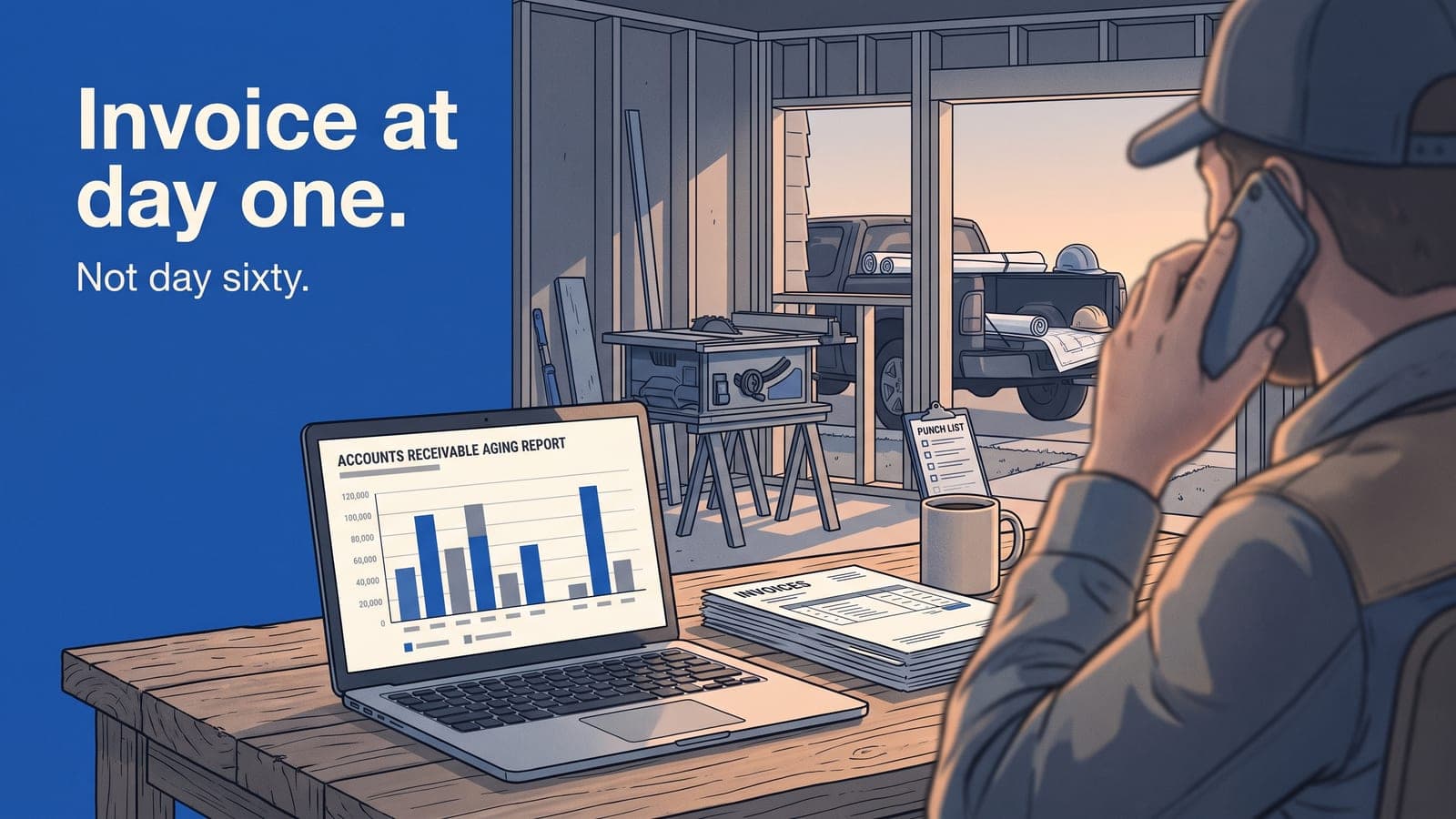
Once invoices are going out on time, the last job is making sure the money comes back. That's the AR aging report, and if you're a contractor who's never looked at one weekly, this is the habit that changes your bank balance.
AR aging buckets everything owed to you:
- Current — not yet due. Fine.
- 1–30 days — a friendly reminder is appropriate around day 20.
- 31–60 days — this is where you make a phone call, not send another email.
- 61–90+ days — this is a problem you should have caught two buckets ago.
The whole value of the report is catching an invoice while it's still young. An invoice at 25 days is a reminder. The same invoice at 85 days is a collections headache and maybe a partial write-off. Same money, wildly different odds of seeing it, and the only variable is how early you noticed.
Run AR aging weekly. Assign one person to own it. When you pair an aging report with job profitability numbers you already have, you get the full picture: which jobs made money and which of that money is actually in the bank. Profit on paper that's stuck in 90-day AR isn't profit. It's a loan you gave your customer.
Put it together
A clean money workflow for a trades business looks like this:
- Estimate built and e-signed, with payment terms and deposit spelled out.
- Job runs; change orders captured and approved as they happen.
- Completion or milestone triggers the invoice — same day.
- Invoice syncs to QuickBooks with no re-keying.
- AR aging reviewed weekly, with early nudges before anything ages past 30.
None of this requires you to be a hardnose. It requires the estimate, the job, the invoice, and your books to be the same system talking to each other, so getting paid is the default outcome instead of a scramble. For GCs specifically, that's the whole point of running clean job tracking without the insurance clutter — the money side just works.
Frequently asked questions
Should I charge late fees on overdue invoices?
You can, but only if the terms were on the signed estimate up front. A late fee you spring on a customer at day 60 mostly starts an argument. A late fee they agreed to in writing at sign-off is enforceable and rarely disputed.
How do I handle retainage on construction jobs?
Track retainage as its own line so you know exactly what's being held and when it's released. The mistake is forgetting about it — retainage that never gets billed at project close is money you earned and walked away from.
What deposit percentage should I ask for?
Enough to cover your material outlay and a chunk of early labor, so you're never deeply underwater on a customer's project. The exact number depends on your trade and job size, but the principle is fixed: don't fully finance someone else's build.
Does invoicing faster actually change cash flow that much?
Yes, because the age of an invoice at send-time compounds. Shave two weeks off when you invoice and you shave two weeks off when you get paid, across every job, all year. That's a real, permanent shift in your working capital.
Can I invoice from the field?
If your job software has a mobile app tied to your billing, a tech marking a job complete can hand the office everything needed to invoice immediately. That's the fastest possible path from work-done to invoice-sent.
If getting paid is the part of the business that keeps you up at night, the fix is usually workflow, not willpower. JobWorkflowPro ties your estimates, jobs, invoices, and QuickBooks together so nothing gets re-typed and nothing ages out unnoticed. See what's included and the plans, start a free trial, or email us at sales@jobworkflowpro.com and we'll walk your billing flow with you.