Working With Adjusters: Communication That Speeds Approvals
Quick answers
- What does an adjuster actually need to approve a restoration claim? A clear scope tied to the loss, dated photos, moisture and drying documentation, and a signed work authorization — organized so they can approve without asking follow-up questions.
- How do you speed up adjuster approvals? Give the adjuster everything they need in one package on day one, keep your documentation consistent, and answer their questions before they have to ask them.
- Should you call or email the adjuster? Both — use the phone for decisions and relationships, then confirm every decision in writing so there's a paper trail.
- What kills approval speed the most? Missing or inconsistent documentation that forces the adjuster to chase you, which pushes your file to the bottom of their stack.
Adjusters aren't the enemy, and they aren't your buddy either. They're carrying a caseload most restoration folks can't imagine, and every file on their desk is competing for the same limited attention. The contractor who makes a claim easy to approve gets approved. The one who makes the adjuster work for every answer gets slow-rolled, questioned, and sometimes reduced.
Working with insurance adjusters well isn't about charm. It's about removing friction. Give them a clean, complete, well-organized file and they can say yes fast. Hand them a mess and you've turned yourself into their problem to manage. Here's how the crews that get paid fast actually run it.
Think like the person approving the claim
Before you send anything, picture the adjuster's day. They've got dozens of open files, a supervisor watching cycle time, and a stack of contractors who all think their job is the most urgent one on the desk. When your file lands, they're deciding one thing: can I approve this without doing extra work?
Everything about restoration adjuster communication flows from that. If your scope answers their questions before they ask, if your photos back up every line, if your drying logs prove the equipment belongs there — you've made approval the path of least resistance. That's the whole game.
The flip side is what slows you down. A photo with no context. A moisture reading with no comparison to a dry standard. An invoice line for equipment with no log showing it ran. Each gap is a reason for the adjuster to pause your file and move to an easier one. You don't lose the claim outright. You just lose days, and days on a mitigation job cost real money.
Front-load the file on day one
The single biggest lever on faster claim approvals is timing. Most contractors document as they go and assemble the file at the end. By then the adjuster has already formed an opinion, and you're playing catch-up.
Flip it. Build the file to be reviewable from the first site visit. On day one you should already have:
- The claim number, carrier, adjuster name, and contact captured in one place. If you're still tracking that on sticky notes, read our breakdown on insurance restoration job tracking — the claim #, carrier, and adjuster belong on the job record, not in someone's phone.
- A signed work authorization. No signature, no work, no billing. Get it e-signed before the crew unloads — we cover why in get the work authorization signed on day one.
- Initial photos: wide shots of each affected room, then tight shots of the damage and the source.
- Category and class of the water loss, documented. The water damage categories drive your whole scope, and the adjuster will check that your scope matches the category you called.
When the adjuster opens the file and sees all of that already there, you've set the tone. You're the contractor who has it together, and those files get approved first.
Write a scope the adjuster can say yes to
Your scope is the document the adjuster actually approves. If it reads like a wish list, you'll get questioned line by line. If it reads like a defensible plan tied to the loss, it gets approved.
Keep it tied to the damage. Every line should trace back to something in your photos and readings. Antimicrobial application on a Category 2 loss? Point to the category call. Three days of air movers in the master bedroom? Point to the drying log. When the scope and the evidence line up, there's nothing to argue. Our guide on writing a water mitigation scope that gets approved first try goes deeper, but the principle is simple: don't make the adjuster guess why a line is there.
Avoid the two extremes. Padding your scope with lines you can't defend trains the adjuster to distrust the whole file. Under-scoping to "keep it clean" leaves money on the table and sets up an awkward supplement later. Scope the job that's actually in front of you, and back every line.
Documentation that answers questions before they're asked
Adjuster documentation is where most approval delays live. The fix is consistency. When your photos, readings, and logs follow the same format on every job, the adjuster learns to trust your files, and trust turns into speed.
Photos with context
A photo without a location or a reason is noise. Shoot wide-to-tight, label the room, and make the damage obvious. On the contents side the same rule applies — the way you photograph contents so the carrier doesn't push back is exactly how you should be shooting structure too: enough context that the adjuster doesn't have to ask "where is this?"
Moisture and drying logs
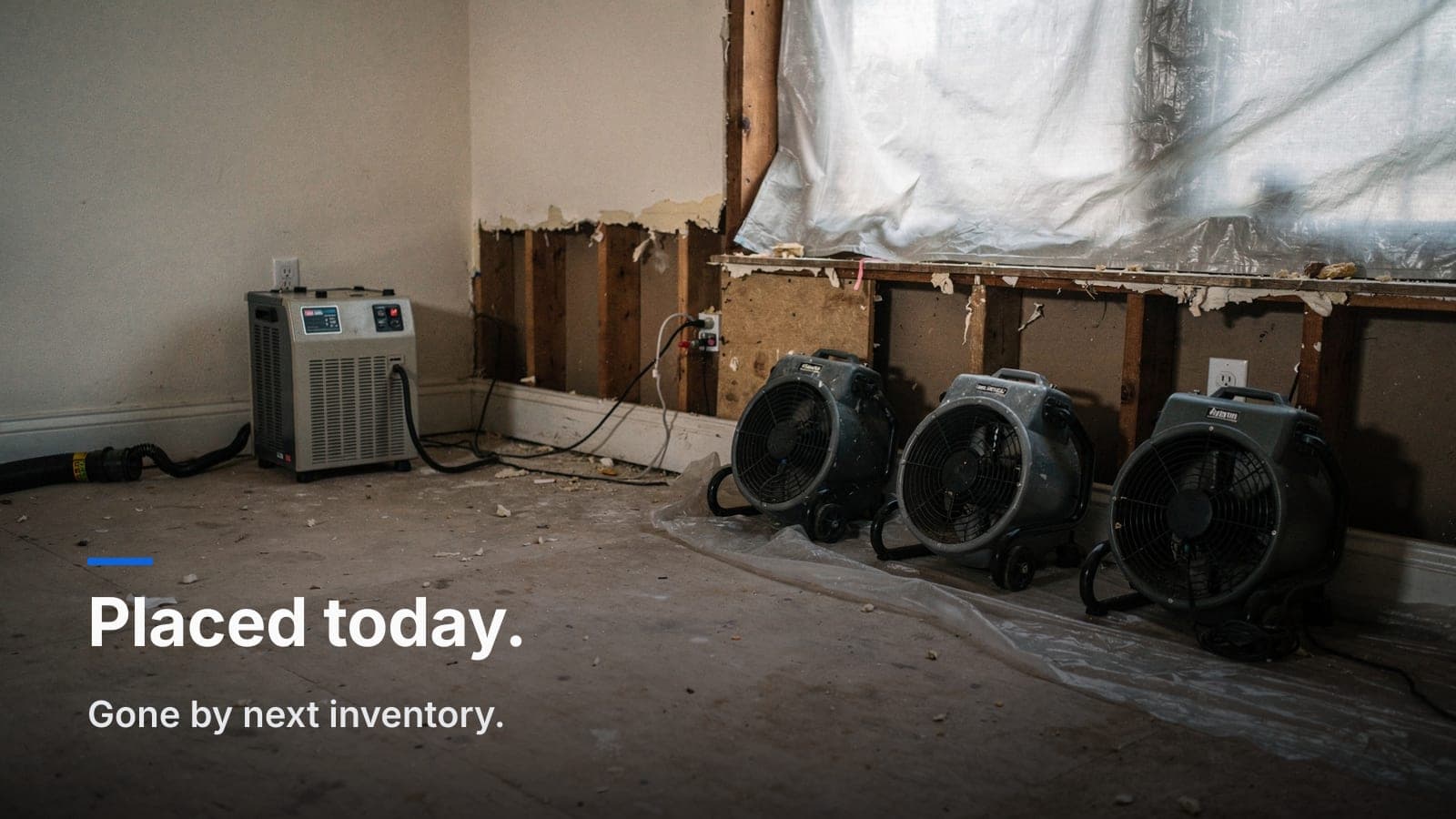
This is your proof that the equipment on the invoice earned its keep. Daily readings, a dry standard to compare against, and a clear drying goal. When you can show a reading hit the goal on day three, you can defend pulling equipment on day three — and you can defend billing for the three days it ran. Solid moisture mapping and drying logs turn "why so many air movers?" into a non-question. And knowing exactly when to pull equipment and prove it keeps you from either over-drying or getting dinged for equipment that stayed too long.
The point of all of it: every question an adjuster might ask should already be answered inside the file. That's what a reviewable file looks like.
Phone for decisions, writing for the record
Some contractors live on email; others only call. Do both, on purpose.
Use the phone when a decision needs to happen — an unexpected finding, a scope change, a disagreement. A two-minute call resolves things that would take four emails and three days. Adjusters are people, and a contractor who communicates like a professional gets more benefit of the doubt.
Then confirm every decision in writing. "Per our call today, you approved the additional flooring removal in the hallway — see attached photos." Now it's on the record. If the file changes hands to another adjuster later, or if there's a question at payout, your written trail settles it. Verbal approvals that never got documented are how good work goes unpaid.
When the scope grows, don't freelance it
Mitigation jobs change. You open a wall and find more than the initial inspection showed. The instinct to just do the work and sort out billing later is exactly how margin bleeds out.
The moment you find additional damage, document it and communicate it before you proceed. Photos of the new finding, updated readings, a call to the adjuster, and written confirmation. Handle it as a supplement, cleanly. Our piece on supplements and change orders walks through getting paid for extra work without torching the relationship. The rule: no surprise line items at final billing. Adjusters hate surprises, and a surprise supplement at the end is the fastest way to get your whole invoice scrutinized.
Keep the whole thing in one place
Everything above falls apart if your documentation is scattered — photos on a tech's phone, the work authorization in a truck, drying logs on paper in the glovebox, the adjuster's email buried in someone's inbox. When it's time to send the file, you're reassembling it from five places and something always goes missing.
Keep the claim details, notes, photos, documents, and drying logs on one job record. That's exactly what the restoration workflow in JobWorkflowPro is built for — claim #, carrier, and adjuster on the job, e-signed authorizations, moisture mapping and drying logs, all threaded to the same file. When the adjuster asks for something, you send it in a minute instead of a scramble. Fast responses tell the adjuster your file is under control, and controlled files get approved.
Frequently asked questions
What do I do when an adjuster is unresponsive?
Keep a written record of every attempt to reach them — dates, times, and what you needed. If a lack of response is holding up work and drying, document that too. A clear timeline protects you if the delay ever affects the outcome or the payout, and it gives you something concrete to escalate to their supervisor if it comes to that.
Can I start work before the adjuster inspects?
For emergency mitigation, usually yes — carriers expect you to mitigate to prevent further damage. But get the work authorization signed first, document everything heavily before you disturb the scene, and notify the adjuster immediately. The photos you take before you start are what justify the work you did before they arrived.
How do I handle an adjuster who wants to cut my scope?
Go back to the evidence. If a line is backed by a reading, a photo, or the category of loss, walk them through it calmly. Lines you can't defend, let go. This is why building a defensible file matters — a scope tied to documentation is hard to cut, and a padded one invites the knife.
Should I copy the homeowner on adjuster communication?
Keep the homeowner informed on scheduling and progress, but handle scope and coverage questions directly with the adjuster. Putting the customer in the middle of a coverage debate usually creates confusion. Update them on the work; keep the claim negotiation between you and the carrier.
Getting paid fast on restoration work comes down to being the easiest file on the adjuster's desk to approve. Clean scope, consistent documentation, decisions confirmed in writing, all in one place.
If your claim details and drying logs are scattered across phones and trucks, that's the friction to fix first. You can start a free trial and set up your restoration workflow in an afternoon, or email us at sales@jobworkflowpro.com if you want to talk through how you run your jobs before you dive in.